
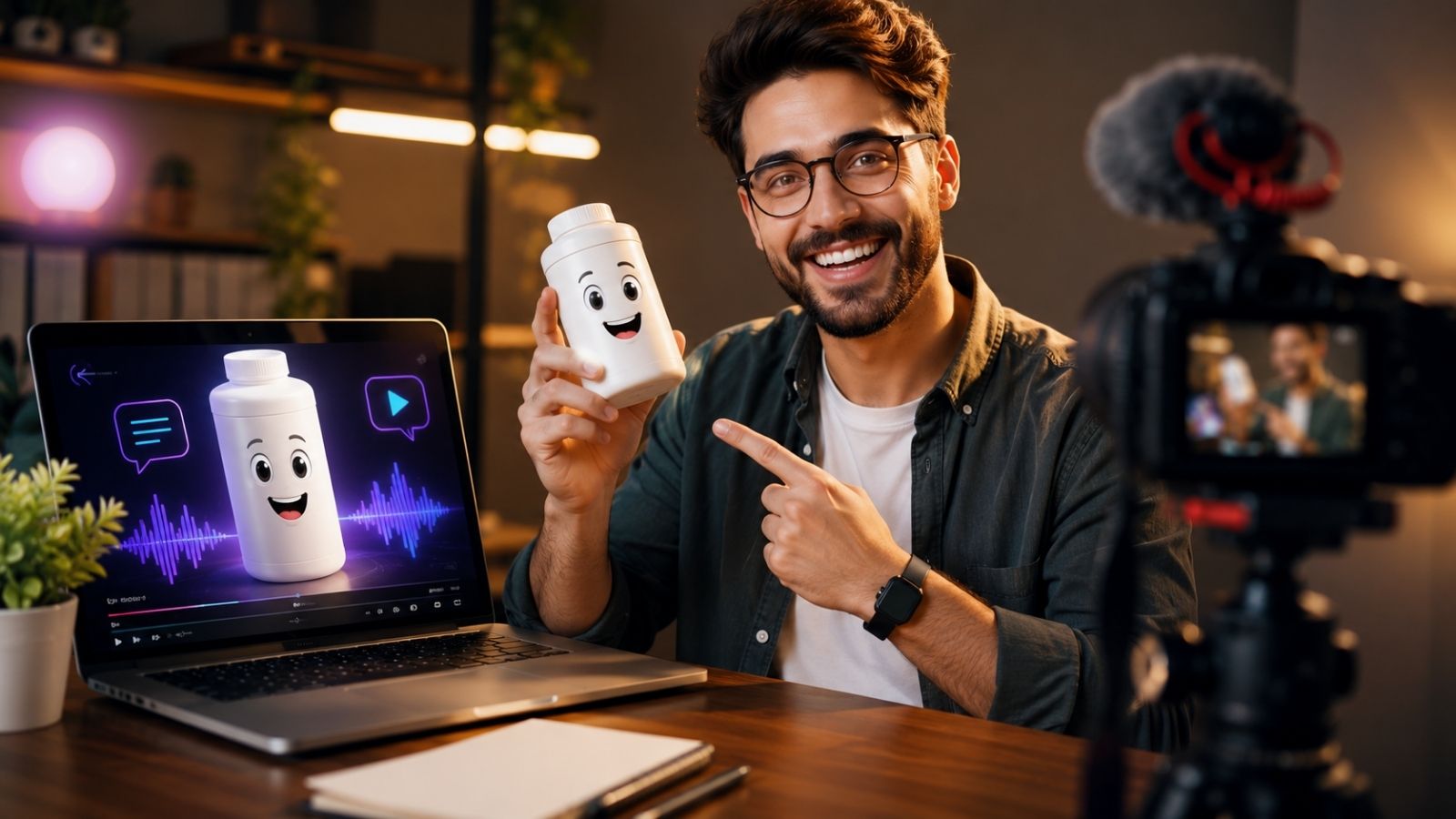
Have you ever wanted to create engaging product videos but felt uncomfortable appearing on camera?
You’re not alone.
Many affiliate marketers, eCommerce sellers, small business owners, and content creators struggle with video marketing because recording yourself requires confidence, equipment, editing skills, and time. Fortunately, AI has started changing that process. With OTalker AI Talking Product Videos, you can create attention-grabbing videos where the product itself becomes the presenter.
The result is a unique style of content that stands out in crowded social media feeds without requiring you to record a single second of footage.
Can You Create Viral Talking Product Videos Without Recording Yourself?
Yes. Using OTalker AI, you can upload a product image, choose a voice, add a script, and generate a talking video automatically.
In simple terms, the software animates products and objects with realistic lip-sync technology, AI voices, and cinematic motion effects. Therefore, instead of recording yourself, the product becomes the star of the video.
This approach can be particularly useful for social media content, affiliate promotions, product demonstrations, and local business marketing.
Why Are OTalker AI Talking Product Videos Getting More Attention?
The key idea is simple: people are used to seeing the same types of videos every day.
However, a talking coffee mug, a talking fitness supplement, or a talking gadget immediately captures attention because it feels different.
Social platforms reward content that stops scrolling behavior. Therefore, unusual visual hooks often perform better than generic talking-head videos.
OTalker AI Talking Product Videos help achieve this by combining:
- AI-generated voices
- Realistic lip synchronization
- Animated facial expressions
- Object-based storytelling
- Multi-language support
As a result, creators can produce content that feels fresh without investing heavily in production.
How Do You Create OTalker AI Talking Product Videos Step By Step?
The process is surprisingly straightforward.
What Is The Fastest Way To Create Your First Talking Product Video?
Step 1: Choose A Product Image
Start with a clear image of your product.
This could be:
- A physical product
- A digital product cover
- A software dashboard
- A local business offering
- An affiliate product
Step 2: Create A Short Script
Keep the script conversational.
Instead of describing features, focus on solving a problem.
For example:
“Struggling to stay organized? I help busy professionals manage their tasks in minutes.”
This creates curiosity and encourages viewers to continue watching.
Step 3: Select A Voice And Language
OTalker AI allows users to choose from various AI-generated voices and languages.
Therefore, creators can target different audiences without hiring voice actors.
Step 4: Generate And Publish
Once the settings are selected, generate the video and export it for:
- TikTok
- Instagram Reels
- YouTube Shorts
- Pinterest Idea Pins
- Facebook Reels
The entire process can take only a few minutes.
What Types Of Products Work Best For OTalker AI Talking Product Videos?
Not every product requires a traditional presenter.
In fact, some products perform better when they “speak” directly to viewers.
Popular examples include:
- Software products
- Kitchen gadgets
- Fitness equipment
- Home décor products
- Digital courses
- Mobile apps
- Real estate listings
- Restaurant menu items
Here’s what actually matters: the product should have a clear benefit that can be communicated quickly.
The more relatable the problem, the more effective the video tends to be.
Can Affiliate Marketers Use OTalker AI Talking Product Videos?
Absolutely.
Many affiliate marketers struggle because they don’t want to show their faces on camera. Others simply don’t have time to record multiple videos every week.
OTalker AI offers an alternative.
Instead of creating traditional review videos, affiliates can create animated product demonstrations that stand out in social feeds.
For example, a software dashboard could explain its own benefits, while a product box could discuss the problem it solves.
This creates a unique angle that many competitors are not using yet.
If you’re researching the platform itself, you may also find it helpful to review a complete breakdown of features, upgrades, and use cases in a dedicated OTalker AI review article.
How Does OTalker AI Compare To Traditional Video Creation?
Traditional video production often requires:
- Camera equipment
- Microphones
- Editing software
- Lighting setups
- On-camera confidence
However, AI-generated talking product videos remove most of those requirements.
Compared to creating content manually, the workflow becomes significantly faster.
Tools like Canva, CapCut, and standard video editors are still useful. However, they generally do not specialize in talking object creation the way OTalker AI does.
Therefore, creators looking specifically for talking products may find the workflow more streamlined.
Are Talking Product Videos Suitable For Social Media Growth?
Yes, particularly for short-form content.
Social platforms prioritize content that captures attention quickly.
A product suddenly speaking to the audience naturally creates curiosity. Therefore, viewers are more likely to stop scrolling and watch.
Many creators are now experimenting with:
- Product storytelling
- Problem-solution videos
- Before-and-after demonstrations
- Promotional announcements
- Educational content
The format works because it feels different from typical content.
Final Thoughts On OTalker AI Talking Product Videos
Creating engaging videos no longer requires expensive equipment, advanced editing skills, or appearing on camera.
OTalker AI Talking Product Videos offer a practical way to turn ordinary product images into animated video content that can capture attention across multiple platforms. For creators, affiliate marketers, and businesses, this can dramatically simplify the content creation process.
If you’d like to see how the platform performs in different real-world scenarios, you can explore a more detailed feature-by-feature analysis elsewhere on this site.
Alternatively, you may want to check the official presentation to see examples of talking product videos in action and determine whether the workflow fits your marketing strategy.
If you’d like a ready-made framework for scripting high-engagement talking product videos, I’ve put together a practical resource that walks through the exact structure used by many successful creators.
You’ll find it below, along with examples you can adapt to your own products and niche.