
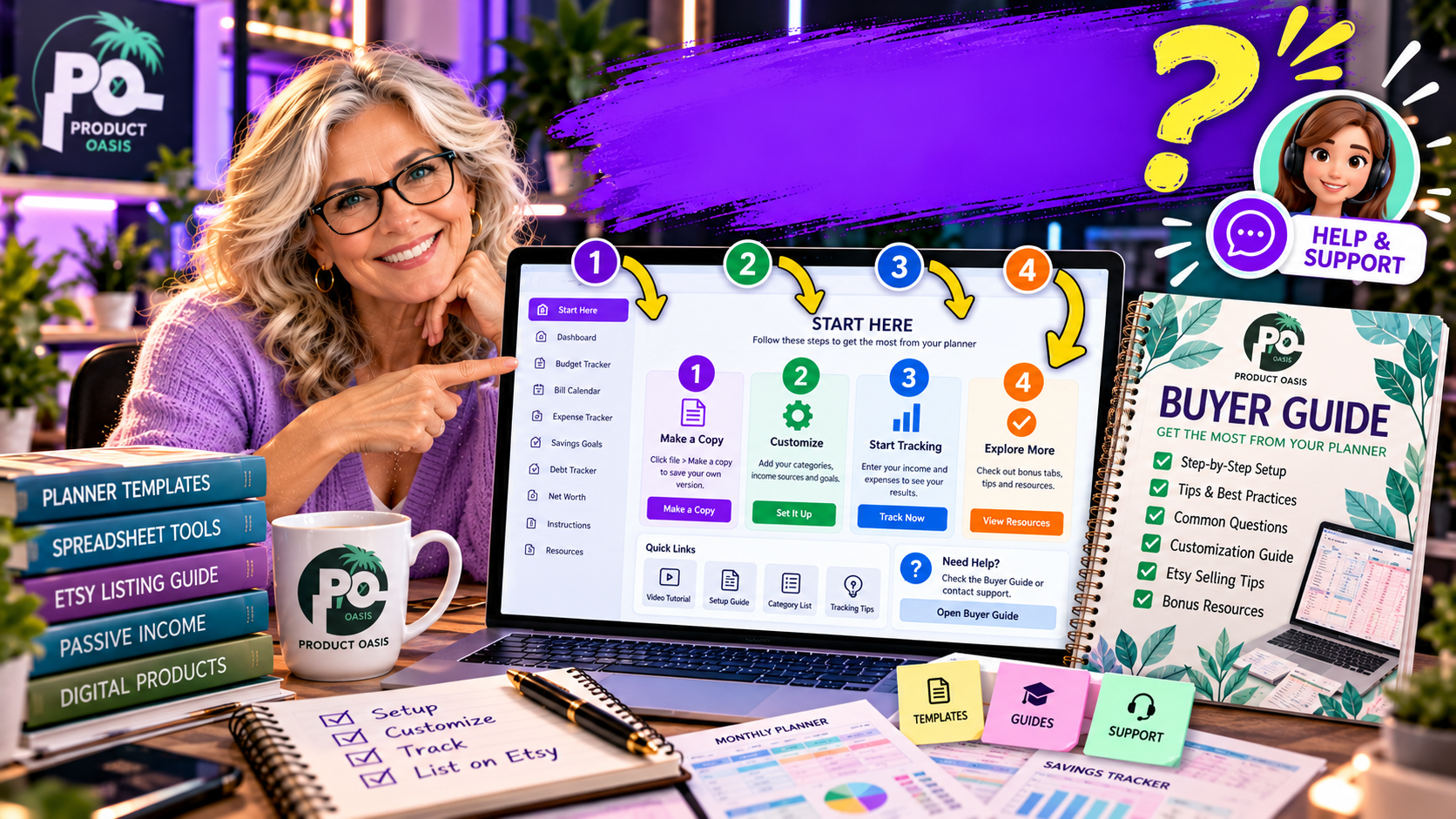
The Spreadsheet Studio Skill Set is designed to help you explore 13 niche blueprints for creating spreadsheet-based digital products with Claude, including planners, trackers, and dashboards for different audiences. These niches offer starting points for developing downloadable products that solve everyday organizational, financial, personal, and business problems. Instead of staring at a blank spreadsheet wondering what to create, you can use a guided workflow to turn product ideas into customized spreadsheet templates and prepare them for potential online sales. Explore The Spreadsheet Studio Skill Set here and discover how its niche-based creation workflow can help you get started.
Why Are Spreadsheet Niches a Good Starting Point for Digital Products?
People use spreadsheets to organize information, manage money, plan activities, and monitor progress. This creates opportunities for digital product creators to develop practical templates for specific audiences.
Rather than creating a generic spreadsheet for everyone, you can focus on a particular group of people with a recognizable need. For example, a freelancer may want to track invoices and income, while a couple planning a wedding may need help organizing budgets, guests, and vendors.
The key is to create something genuinely useful, easy to understand, and relevant to the people you want to reach.
13 Spreadsheet Niche Ideas for Digital Products
Here are 13 practical niches you can explore when developing spreadsheet planners, trackers, and dashboards.
1. Personal Budget Planners
Budget planners help individuals organize income, expenses, savings, and monthly spending. A well-designed budget spreadsheet could include expense categories, spending summaries, and a monthly overview. This is a useful niche to explore if you enjoy creating financial organization tools.
2. Debt Payoff Trackers
A debt payoff tracker can help users record outstanding balances, payment amounts, interest rates, and repayment progress. The spreadsheet could include progress indicators and summaries that help users monitor their financial journey.
3. Wedding Planners
Wedding planning involves coordinating budgets, guest lists, vendors, schedules, and important deadlines. A wedding planner spreadsheet could bring these details together in one organized place, making it easier for couples to manage their preparations.
4. Meal Planners
Meal planning templates can help households organize weekly meals, ingredients, grocery lists, and food budgets. You could create a weekly meal planner, a monthly food organizer, or a meal preparation tracker.
5. Holiday Planners
Holiday planning involves travel arrangements, shopping lists, budgets, schedules, and gift tracking. A holiday planner spreadsheet could help users keep these details organized rather than managing everything across multiple notes and documents.
6. Habit Trackers
Habit trackers are designed to help people monitor daily routines and personal goals. Examples include exercise, reading, hydration, and productivity tracking. A spreadsheet could include daily checkboxes, progress summaries, and monthly completion statistics.
7. Freelance Business Trackers
Freelancers often need to monitor projects, clients, income, expenses, invoices, and deadlines. A freelance business tracker could provide a central place to organize these activities and review business progress.
8. Savings Goal Trackers
A savings tracker can help users monitor progress toward a particular financial goal, such as an emergency fund, holiday savings, or a major purchase. Useful features might include target amounts, contributions, remaining balances, and visual progress indicators.
9. Small Business Expense Trackers
Small business owners often need a straightforward way to record expenses and monitor spending. A business expense spreadsheet could include transaction dates, categories, payment methods, and monthly summaries.
10. Project Management Planners
Project planners can help individuals and small teams organize tasks, deadlines, priorities, and completion status. A useful template might include task lists, responsible persons, due dates, and progress tracking.
11. Fitness and Workout Trackers
Fitness spreadsheets can help users record workouts, exercise routines, training frequency, and personal progress. You could develop workout planners, exercise logs, or monthly fitness tracking dashboards.
12. Content Planning Calendars
Content creators, bloggers, and social media managers often need to organize publishing schedules. A content calendar spreadsheet could track topics, platforms, publication dates, keywords, and content status.
13. Personal Goal and Productivity Planners
Goal planners can help people break larger objectives into smaller tasks and monitor their progress. A spreadsheet might include monthly goals, weekly priorities, deadlines, and completion summaries.
How Can The Spreadsheet Studio Skill Set Help You Explore These Niches?
The Spreadsheet Studio Skill Set is designed to help you use Claude as part of a guided spreadsheet creation workflow. Its advertised 13 niche blueprints provide starting points for exploring different product directions.
Once you have selected an idea, the workflow is intended to help you develop the spreadsheet and customize its appearance using design resources that include eight color palettes and five font pairings.
Other advertised features include:
- Spreadsheet creation assistance: Develop planners, trackers, and dashboards with a guided Claude workflow.
- Design customization: Give your spreadsheet products a more consistent visual identity.
- Formula checking: Use sample data to help identify potential calculation issues.
- Etsy listing kit: Get assistance with titles, 13 suggested tags, descriptions, listing images, a short video, and a buyer guide.
- Customer guidance: Prepare supporting instructions to help buyers understand their downloads.
If you want to see how these features work together, including the advertised pricing and bonuses, read our detailed Spreadsheet Studio Skill Set review.
How to Choose the Right Spreadsheet Niche
Having 13 possible directions is useful, but you should not create all 13 products without first understanding your audience. Use this simple approach:
- Identify a specific audience: Decide who you want your spreadsheet to help.
- Find a recurring problem: Look for something that audience regularly needs to organize or monitor.
- Develop a focused solution: Create a spreadsheet that addresses one clear problem rather than trying to do everything.
- Check usability: Test the layout, formulas, and instructions before offering the product.
- Research demand: Examine competing products and customer needs before investing time in a particular niche.
Remember, a niche idea is a starting point, not a guarantee of sales. Product quality, usefulness, presentation, pricing, and marketing all influence commercial potential.
Final Thoughts: Turn Spreadsheet Ideas Into Digital Product Opportunities
The Spreadsheet Studio Skill Set advertises 13 niche blueprints to help creators explore spreadsheet-based digital product ideas, from budget planners and wedding organizers to habit trackers and business dashboards. Combined with its Claude-assisted creation workflow, design customization, formula-checking assistance, and Etsy listing resources, it offers a structured starting point for developing downloadable spreadsheet products.
If you want to get ahead of the curve in AI-assisted digital product creation, discover more profitable product ideas to research, and receive useful free resources that can expand your knowledge, consider subscribing below. You will also receive five additional bonuses designed to complement your learning and help you explore more spreadsheet product possibilities.
Ready to explore the complete system and decide whether it fits your goals? Read our full Spreadsheet Studio Skill Set review, including features, pricing, bonuses, and our overall verdict before taking the next step.