
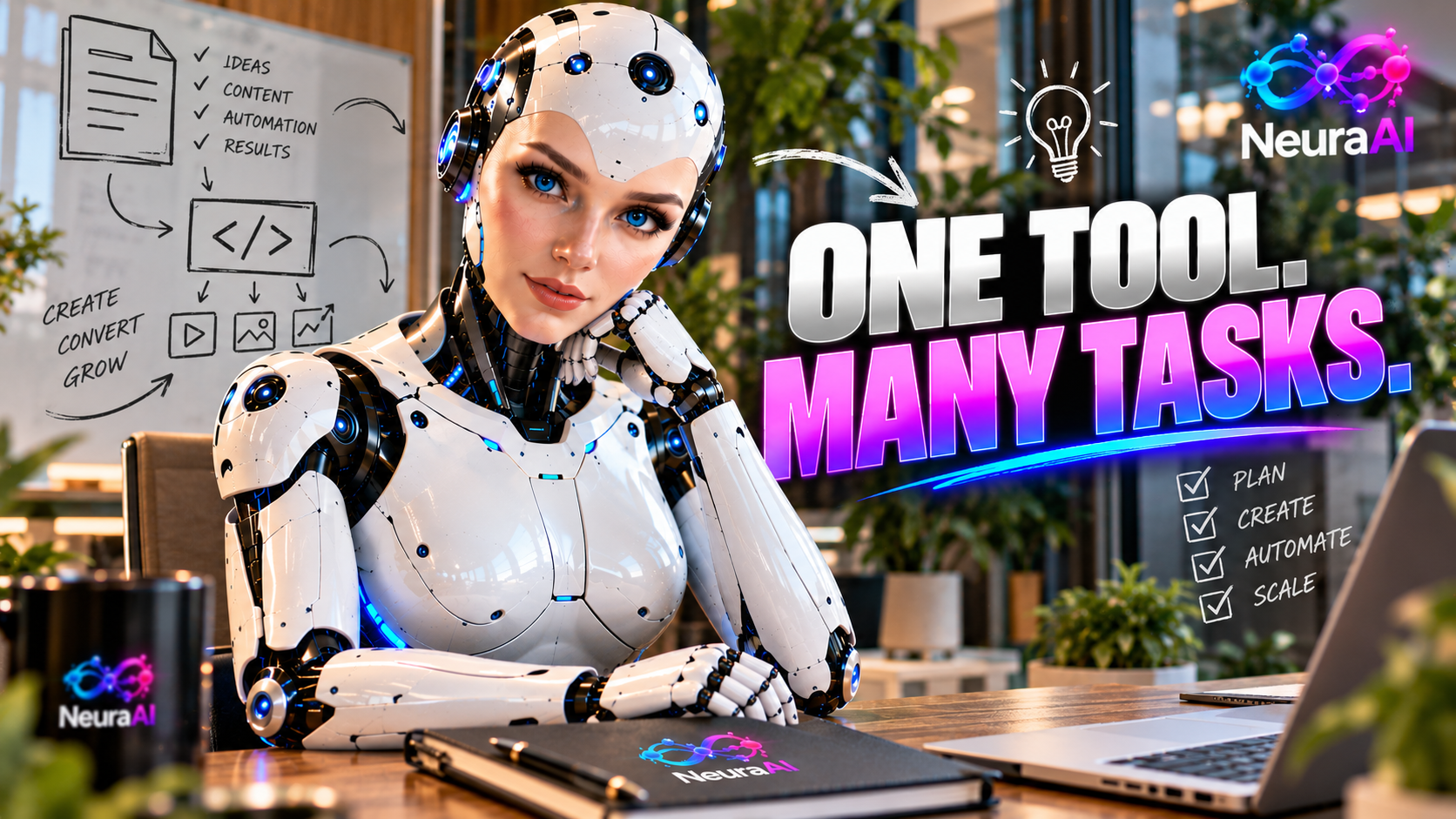
Neura AI is promoted as an all-in-one AI platform for coding, research, document creation, and business workflows, bringing multiple AI models together in one dashboard. Its advertised use cases include software development assistance, information research, productivity tasks, and multi-step business activities. The practical value depends on the features available in your chosen plan and the quality of the outputs you verify. If you want to explore the current offer, check out Neura AI here and confirm the included features before purchasing.
What Can You Use Neura AI For?
Neura AI is marketed as a centralized workspace that brings seven AI models together, with different models promoted for different kinds of tasks. The advertised lineup associates Claude with coding, Gemini with image generation and virtual assistance, Grok with real-time X research, DeepSeek with reasoning, Perplexity with cited research, Microsoft Copilot with documents and productivity, and Manus AI with autonomous multi-step workflows.
These are the vendor’s stated use-case associations, not a guarantee that every model will deliver a particular result. Still, the range suggests several practical ways users may explore the platform for personal projects, content production, and business operations.
1. Coding and Software Development Assistance
One advertised Neura AI use case is coding assistance. AI tools can help developers think through programming problems, draft code, explain unfamiliar concepts, and investigate potential errors.
Potential coding workflows include:
- Code drafting: Generate a first-pass example for a function or small programming task.
- Code explanation: Ask for a plain-English explanation of unfamiliar code or programming concepts.
- Debugging support: Explore possible causes of an error and identify areas to inspect.
- Project planning: Break a development task into smaller steps before implementation.
- Learning and practice: Request examples that help explain a programming technique.
Neura AI’s promotional materials associate Claude with coding tasks, but developers should test the actual capabilities available to them. Always review generated code, run appropriate tests, and consider security, performance, dependencies, and maintainability before using it in production.
2. Research and Information Gathering
Research is another potential use case for Neura AI. Whether you are planning content, exploring a market, or learning about an unfamiliar topic, AI assistance can help organize questions and develop an initial understanding of the subject.
Useful research activities may include creating a research outline, summarizing supplied material, comparing ideas, identifying follow-up questions, and organizing findings into a structured brief.
The advertised model associations include Grok for real-time X research, DeepSeek for reasoning, and Perplexity for cited research. However, users should verify source availability, citation quality, and the currency of information rather than assuming every response is fully accurate or independently supported.
For important decisions, check original sources, confirm dates, and distinguish verified facts from AI-generated interpretation. This is especially important for financial, legal, technical, or business research.
3. Document Creation and Productivity
Neura AI is also promoted for documents and productivity-related tasks, with Microsoft Copilot associated with this category in the vendor’s model lineup.
Potential document workflows include:
- Business reports: Organize notes into a structured report draft.
- Proposals: Develop an initial outline for a client or internal proposal.
- Meeting summaries: Turn supplied notes into action items and key points.
- Planning documents: Create project outlines, checklists, and task breakdowns.
- Editing assistance: Improve clarity, structure, and readability in existing text.
These applications can help reduce repetitive drafting work, but the final document still needs review. Check names, dates, figures, commitments, and confidential details before sharing material with colleagues or clients.
4. Business Workflows and Multi-Step Tasks
Businesses often need to coordinate several connected activities rather than complete one isolated task. Neura AI’s advertised positioning includes support for business workflows, while Manus AI is associated with autonomous multi-step workflows.
Depending on the available features, users could explore breaking a business objective into stages, preparing a sequence of tasks, organizing research for a project, or developing a draft process for review.
For example, a small business owner might start by researching a customer problem, outline a potential service, draft supporting website content, and prepare a basic marketing plan. AI assistance may help with individual stages, but users should verify which steps the platform can actually execute and which require manual work or additional tools.
Do not assume that an advertised workflow capability guarantees fully autonomous execution, integrations with every business system, or error-free results.
5. Content and Creative Work
Beyond coding and office tasks, Neura AI is marketed for content and creative activities. Its advertised capabilities include support for marketing content, websites, books, applications, images, and social assets.
Potential applications include brainstorming article topics, outlining video scripts, drafting social media captions, planning website pages, and developing creative concepts. The vendor also associates Gemini with image generation and editing.
Use these capabilities as a starting point, then review factual accuracy, originality, visual quality, and suitability for your audience. Confirm that the specific tools you need are included in your selected plan before building a workflow around them.
For a complete breakdown of the platform’s advertised capabilities, pricing, optional upgrades, and bonuses, read the full Neura AI review.
How to Get Better Results From Neura AI
To evaluate Neura AI for your work, follow a simple process:
- Choose one clear task. Start with a coding question, research brief, document, or business process.
- Provide context. Explain your objective, audience, constraints, and expected output.
- Review the response. Check the facts, logic, completeness, and usefulness of the result.
- Refine the output. Provide feedback and request targeted improvements where needed.
- Test before relying on it. Use realistic tasks to determine whether the tool meets your quality and workflow requirements.
Is Neura AI Useful for Everyday Business Tasks?
Neura AI may be worth evaluating if you want to explore AI assistance for coding, research, documents, creative work, and multi-step business activities in one platform. Its advertised range of model associations offers several possible starting points for different workflows.
However, usefulness depends on the actual features available, output quality, plan restrictions, and the amount of human review required. Compare the platform’s capabilities with your real needs rather than assuming that a broad feature list guarantees better results.
Final Thoughts
Neura AI’s advertised use cases extend across software development assistance, research, document productivity, business workflows, and content creation. It may help users organize and accelerate parts of these tasks, provided they verify outputs and confirm which capabilities are included in their purchase.
Before deciding, review the current offer and evaluate the platform against your intended workflow. For the full overview of Neura AI’s features, pricing, upgrades, bonuses, and overall value, visit the complete Neura AI review.