
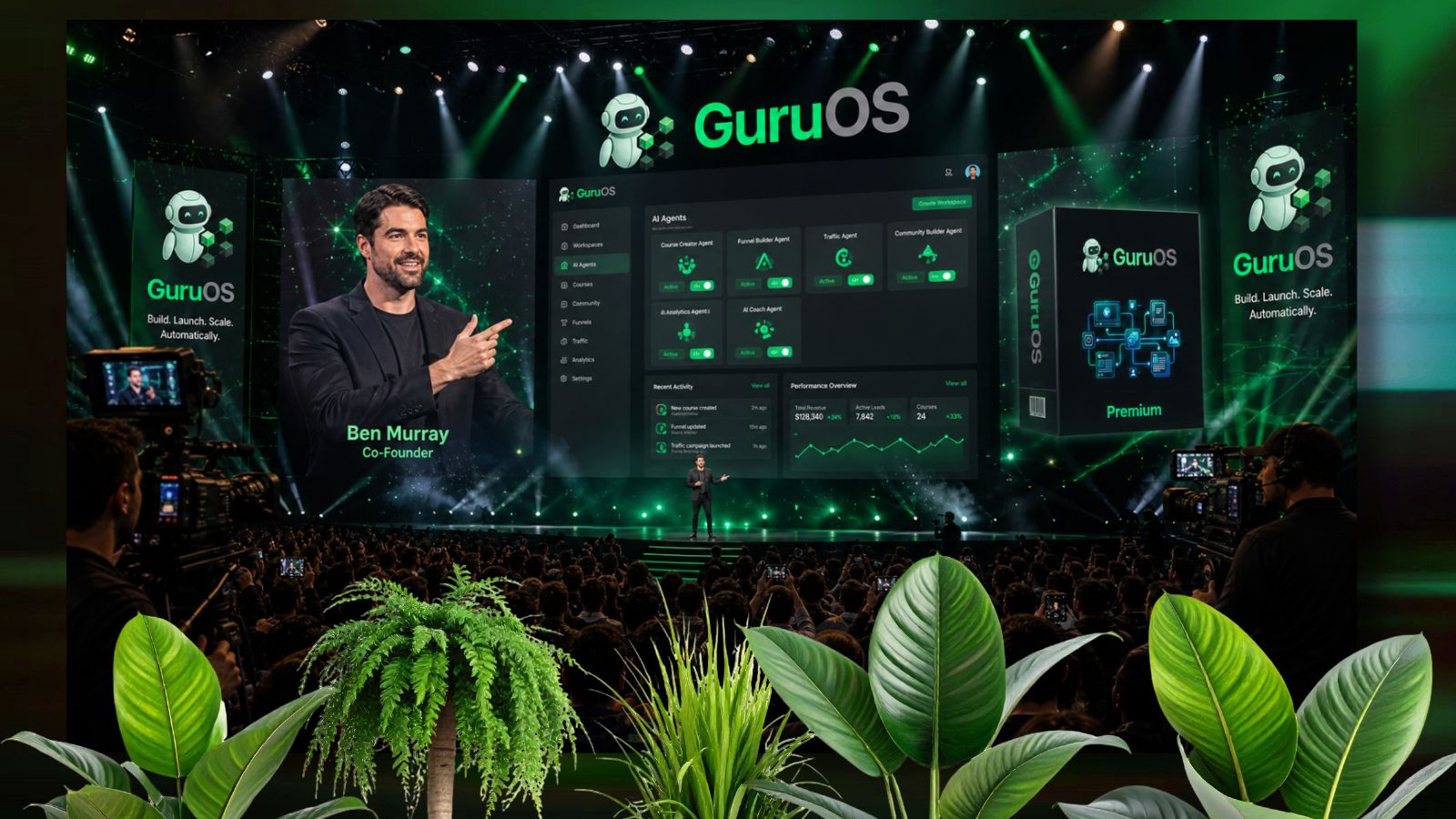
Most AI business tools sound impressive on sales pages.
However, the real question people care about is simple:
What does the actual dashboard look like and what can it really do?
That’s why the GuruOS demo is probably one of the most important things to watch before deciding whether the platform is useful or not.
Instead of making vague claims, the walkthrough shows how the AI agents actually create courses, build communities, generate funnels, and automate marketing tasks step by step.
If you’re trying to understand how GuruOS works in practice, here’s a simplified breakdown of what the demo actually shows.
What does the GuruOS demo show?
In simple terms, the GuruOS demo walks through how users can train an AI operating system on their business and then use specialized AI agents to create products, launch funnels, build communities, and generate marketing content from one dashboard.
GuruOS Demo Video
How does the GuruOS demo start?
The walkthrough begins with the “Workspace” setup.
This is where users:
- Create a business workspace
- Upload PDFs or notes
- Add website links
- Input niche information
- Train the operating system on their brand and style
According to the product information, this training process helps the AI agents understand your voice, positioning, and business framework.
The key idea is that the agents are supposed to create outputs that feel personalized instead of generic.
What happens inside the course creation section of the GuruOS demo?
This is one of the main parts shown in the walkthrough.
How do the course agents work?
Inside the dashboard, users can select AI course agents that automatically generate:
- Course outlines
- Lesson structures
- Modules
- Learning paths
- eBooks
- Slide content
The demo shows the system organizing lessons into a structured format instead of producing random AI paragraphs.
Does GuruOS create visuals too?
Yes.
The walkthrough also demonstrates:
- Slide generation
- Course layouts
- Lesson page designs
- eBook styling
This is important because most AI tools only generate text.
GuruOS attempts to handle both content and presentation together.
How does the GuruOS demo explain AI communities?
The community section is another major feature shown during the walkthrough.
What community features are included?
The demo highlights:
- Gamified communities
- Referral systems
- Leaderboards
- Badges and rewards
- AI-generated discussion posts
According to the JV documentation, the platform can also schedule content automatically to help keep communities active.
Why is this useful for creators?
Most communities die because they require constant manual engagement.
GuruOS tries to reduce that problem by using AI-generated content and automation tools directly inside the community area.
How does the GuruOS demo show funnel creation?
The funnel section focuses heavily on simplicity.
What can users build from the dashboard?
The walkthrough shows:
- Landing pages
- Sales pages
- Community pages
- Lead capture pages
Users can edit layouts visually while the AI agents generate the actual sales copy.
Does GuruOS include payment systems?
Yes.
According to the product materials, the platform integrates payment options so creators can sell:
- Courses
- Memberships
- Coaching
- Digital products
Directly from their pages.
What do the traffic agents actually do in the GuruOS demo?
This section is more practical than many people expect.
How does GuruOS generate marketing content?
The walkthrough demonstrates traffic agents creating:
- Social media posts
- Promotional content
- Launch materials
- Branded marketing assets
The platform can also schedule and distribute content automatically.
Therefore, users don’t need separate scheduling tools for basic campaign management.
Does the GuruOS demo show chatbot features?
Yes.
The platform includes AI chatbot and coaching agents that can:
- Answer visitor questions
- Capture leads
- Support community members
- Guide students through courses
The demo shows different display formats, including embedded chat widgets and popups.
This feature is especially useful for creators running:
- Membership businesses
- Coaching programs
- Educational communities
What practical things stand out most in the GuruOS demo?
A few features stand out immediately during the walkthrough:
1. Everything is centralized
Instead of switching between:
- Funnel builders
- Community tools
- AI writers
- Course platforms
Everything is inside one dashboard.
2. The workflow feels beginner-focused
Most actions shown in the demo involve:
- Clicking agents
- Choosing templates
- Editing outputs
Rather than coding or advanced setup.
3. The AI agents have specific roles
Instead of one generic chatbot, GuruOS separates tasks into:
- Course agents
- Funnel agents
- Coaching agents
- Traffic agents
That makes the workflow easier to follow.
Does the GuruOS demo feel realistic?
Overall, yes.
The walkthrough mainly focuses on:
- Product creation
- Community setup
- Funnel building
- Content automation
Instead of making unrealistic “one-click millionaire” claims.
However, it’s important to understand that users still need:
- A niche
- A business idea
- Some direction and positioning
The platform automates execution—not business thinking itself.
Who is the GuruOS demo most useful for?
The walkthrough will probably appeal most to:
- Beginner creators
- Coaches
- Course sellers
- Affiliate marketers
- Agency owners
- Community builders
Especially people overwhelmed by using too many disconnected tools.
Final thoughts on the GuruOS demo
The GuruOS demo is useful because it shows practical workflows instead of only making broad marketing promises.
The walkthrough demonstrates how the platform handles:
- Course generation
- Funnel setup
- Community building
- AI marketing content
- Lead capture
- Automation systems
From one central dashboard.
More importantly, the demo makes it easier to understand how the different AI agents actually work together in real-world scenarios.
If you want to explore the complete feature set and see additional breakdowns of the platform’s automation tools, you can review the detailed GuruOS system analysis for a closer look at the workflow and capabilities.
Or, if you prefer watching the actual interface and dashboard in action, you can access the official GuruOS live walkthrough to see how the AI agents operate step by step.
If you’d like a simplified visual checklist explaining the exact workflow shown inside the GuruOS demo — from training the AI system to launching a product — there’s a practical quick-start guide available below that breaks the process down clearly.