
Cinemation – The Product Information
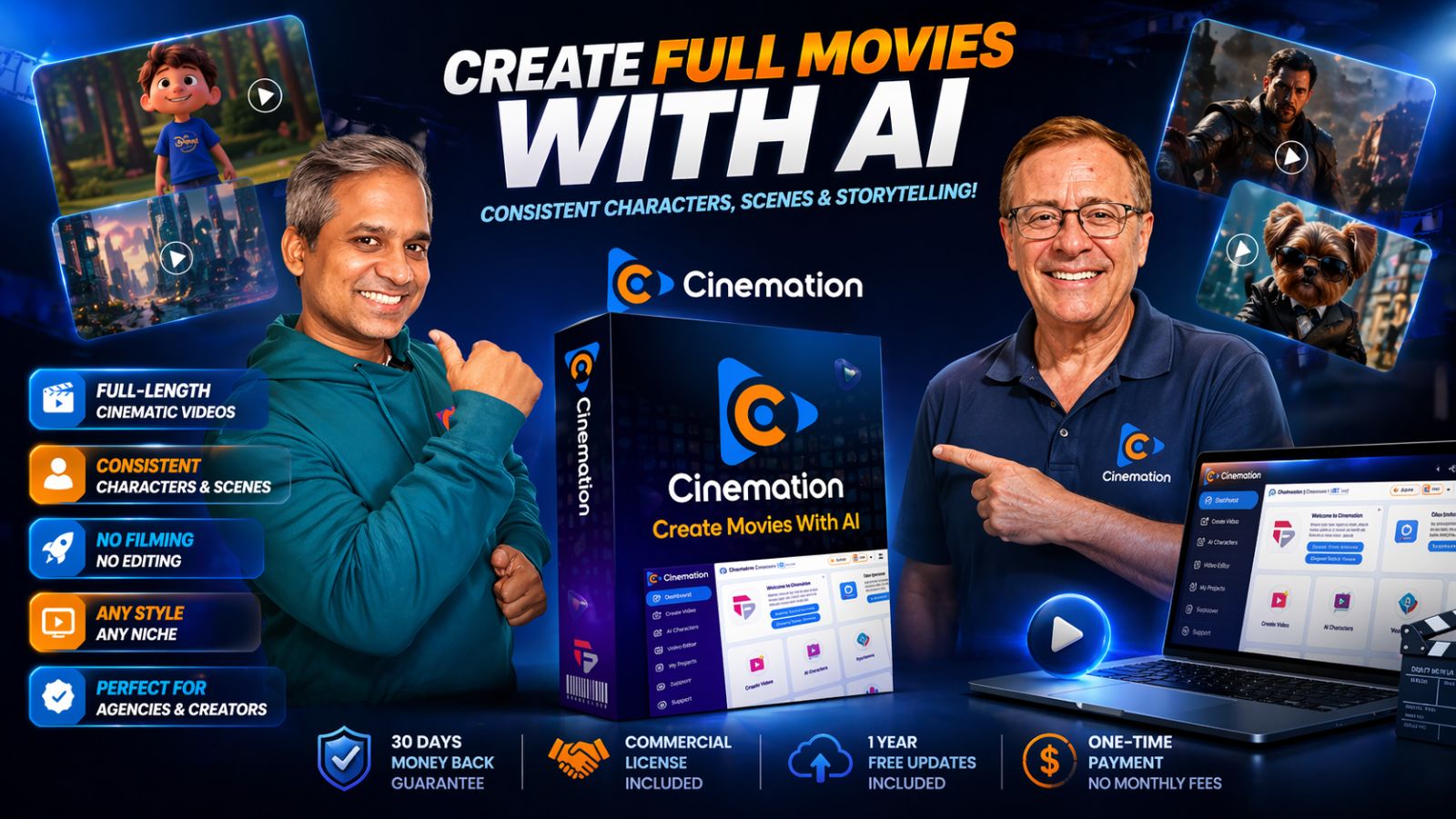
Cinemation is an AI-powered cinematic video creation platform designed to generate full-length videos with consistent characters, scenes, and storytelling. Unlike tools that only make short random clips, Cinemation focuses on continuity and long-form content. That makes it especially relevant for YouTube automation, story ads, documentaries, training videos, and episodic channels.
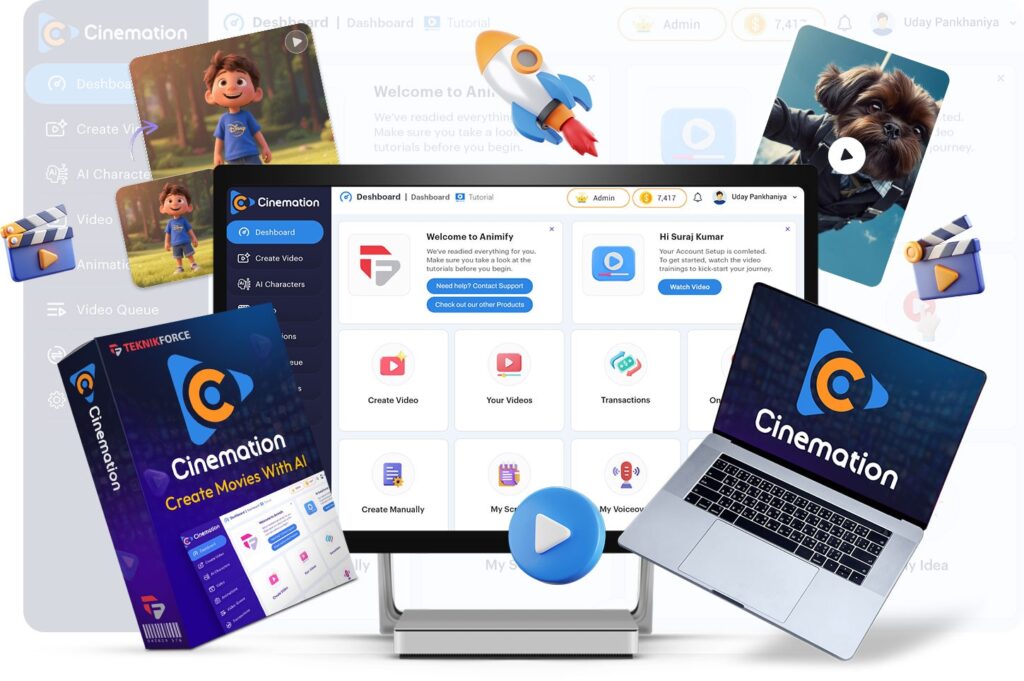
It is positioned as a desktop app for Windows and Mac with one-time pricing during launch.
Introduction
Most AI video tools look impressive in demos but fall apart when you need a real business outcome. Characters change faces. Backgrounds shift. Clips last seconds. Editing becomes a chore.
That is where Cinemation stands out.
Instead of forcing you to stitch dozens of clips together, it aims to create longer cinematic sequences with continuity built in. If you want to run faceless YouTube channels, sell client videos, build a niche content brand, or create product promotions, that matters.
For marketers, time is money. For creators, consistency is growth. Cinemation targets both.
See why long-form AI content is becoming the smarter traffic strategy
Key Features & Workflow
Full-Length Cinematic Video Creation
Create videos from short formats to 30 minutes or more depending on plan level. This is useful for YouTube watch time, explainers, documentaries, and serialized content.
Consistent Characters
One of the biggest complaints in AI video communities is changing faces and identities between scenes. Cinemation claims to solve this with reusable characters across scenes and videos.
Consistent Locations
Need the same office, studio, classroom, street, or branded environment repeatedly? Cinemation includes reusable locations to preserve continuity.
Character-Driven Storytelling
Build dramas, narrations, ads, educational content, and branded storylines that keep viewers engaged longer.
Multi-Style Output
Create in live action, animation, 3D, anime, Pixar-style, claymation, and more styles based on your niche goals.
Vertical + Landscape Formats
Repurpose for Shorts, Reels, TikTok, YouTube, and Facebook.
Explore how Cinemation can replace multiple costly video tools
Other Product Highlights
- No filming required
- No editing skills needed
- No production crew needed
- Any niche targeting
- Any language support
- Team access on Pro plan
- Commercial rights available on upgrades
- Works for agencies and freelancers
This is important because many buyers are not looking for another hobby tool. They want a usable business asset.
Turn one idea into multiple monetizable video assets
How Cinemation Works
The workflow appears intentionally simple:
- Choose your topic, niche, or story idea
- Generate script or bring your own script
- Create characters and locations
- Select style and video format
- Let the AI generate scenes and stitched sequences
- Export and publish
That simplicity helps non-technical buyers who get overwhelmed by complex prompt-heavy tools.
Build faster with an AI workflow designed for real output
How Much Does Cinemation Cost?
FRONT-END PRICE
Cinemation Elite – $47
Includes:
- 10,000 welcome credits
- Create up to 3 videos daily
- Up to 10 characters
- Up to 15 locations
- Self-business use license
- One-time payment
- 1 year free upgrades
For many solo creators, this is a low-risk starting point.
Cinemation – OTO BREAKDOWN
All Inclusive – $237
Includes FE + OTO1 + OTO2 + OTO3 + OTO4
OTO1: Cinemation Pro – $67
- 30,000 credits
- No limit on video length
- Shot-level editing
- Team access
- Commercial license
- 2 years upgrades
OTO2: Cinemation Reseller – $197
- 70 reseller licenses
- Keep profits from sales
OTO3: TubeRank Jeet 6 AI Pro – $67
YouTube SEO and optimization suite.
OTO4: Freezur Pro – $67
Storytelling video creator with unlimited videos.
Additional Offers
- 140 Extra Reseller Licenses – $99
- 50k Credits Boost – $77
- Remove Video Limits – $39
Refund Policy
30-day money-back guarantee.
Choose the package that fits your creator or agency goals
The Vendor’s Bonus List
The vendor provides multiple bonus choices from software assets and plugins. These can be extremely useful because they complement traffic generation and publishing.
Examples include:
- QR Code Generator
- YouTube Video Tags Finder
- Image Collector
- Quick Tube Checker
- Tube keyword research tools
- Video Joiner
- Video Resizer tools
- Email tools
- FAQ WordPress plugin
- Scarcity plugins
- Traffic redirect plugins
These are not throwaway PDFs. Many are practical utilities marketers can actually use.
Claim free bonus tools that support your video business growth
About the Creators
Todd Gross and Cyril Gupta are known names in the launch software space. They have produced multiple tools around traffic, automation, AI content, and business software.
Whether every product fits every buyer is another question, but they are not unknown newcomers. That reduces trust friction for first-time buyers.
Buy from established creators with a long software track record
Who Is Cinemation For?
Best For:
- YouTube automation channel owners
- Faceless content creators
- Affiliate marketers
- Agencies selling video services
- Coaches and educators
- Local business marketers
- Story channel creators
- Freelancers needing faster delivery
Less Ideal For:
- Buyers wanting only short meme clips
- Advanced film editors needing manual precision workflows
- People unwilling to learn any software at all
Match the tool to your business model for better results
Why You Should Give Cinemation A Try
The biggest reason is market timing.
Long-form AI content is still early. Most creators are still focused on short clips. If Cinemation helps you publish higher-retention videos faster, that creates an edge.
Also, one-time pricing is attractive compared with monthly subscriptions many AI tools now demand.
Use early-stage tools before the niche gets crowded
Cinemation Pros & Cons
Pros
- Long-form AI video focus
- Consistent characters and scenes
- One-time launch pricing
- Commercial potential
- Good for YouTube channels
- Multi-style outputs
- Refund policy
Cons
- Desktop software model may not suit cloud-only users
- Credits matter depending on usage
- Advanced creators may still want manual polishing
Weigh the pros carefully while launch pricing is active
Testimonials – What Early Users Have to Say

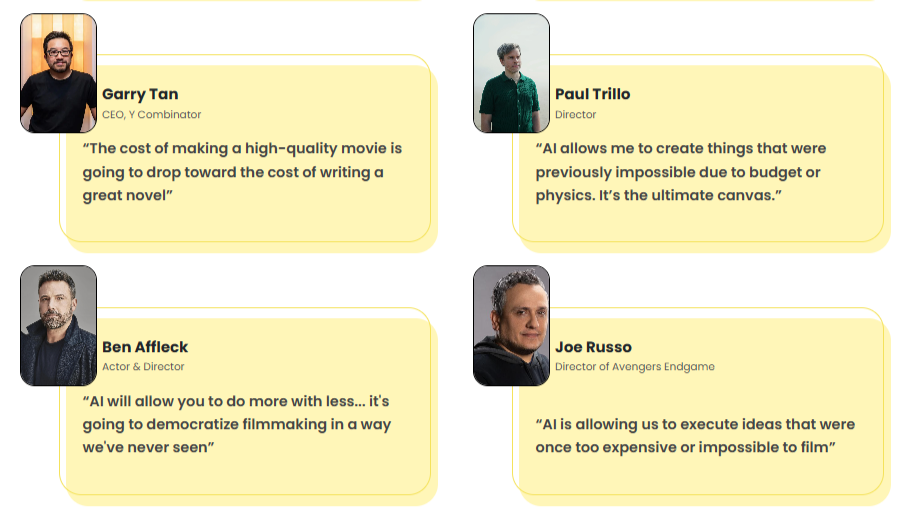
Vendor materials reference users such as:
- An author bringing stories to life on YouTube
- An agency owner claiming fast client orders
- An influencer using cinematic branded content
As always, treat testimonials as promotional examples rather than guarantees.
See how different buyers plan to monetize Cinemation
Frequently Asked Questions
Is Cinemation a scam?
Nothing in the materials suggests that. It is sold through JVZoo with a refund policy.
Does Cinemation create long videos?
Yes, long-form content is one of its core angles.
Can I use it for clients?
Yes, with Pro or commercial rights upgrades.
Is there a Cinemation lifetime deal?
Launch pricing is one-time payment, which many buyers describe as a lifetime-style offer.
Can beginners use it?
Yes, it is positioned for users without editing experience.
Does it work on Mac?
Yes, Windows and Mac are listed.
Final Thoughts
If your goal is quick AI clips, there are many options. But if your goal is to build channels, branded story content, client deliverables, or long-form monetizable assets, Cinemation enters a more interesting category.
Its strongest promise is not “AI video.” It is AI continuity plus long-form output.
That makes this launch worth serious attention for creators who think beyond novelty clips.
My No Strings Attached Free Bonus
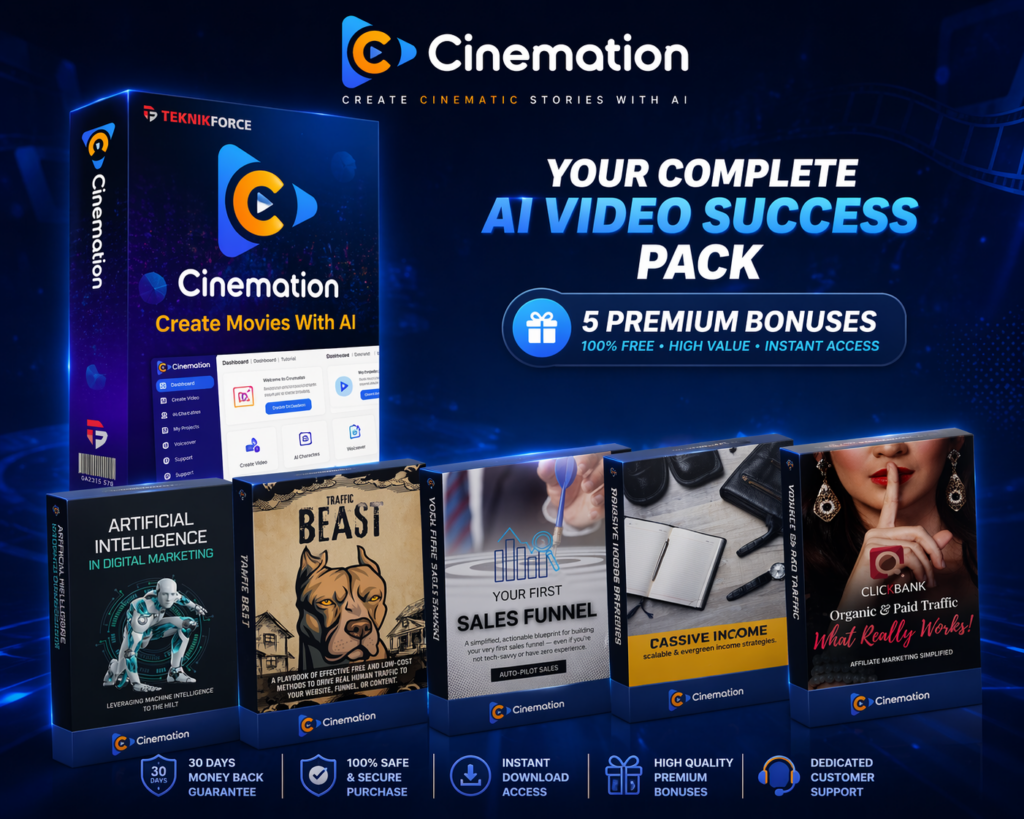
Scroll to the bonus opt-in box and enter your email to get 5 exclusive bonuses instantly. These are standalone digital assets that also complement Cinemation perfectly.
- AI Traffic Growth Toolkit
- YouTube Channel Scaling Guide
- Affiliate Funnel Swipe Pack
- Productivity Automation Bundle
- Fast Content Repurposing Kit
Delivered by email instantly. Totally free. No purchase required.