
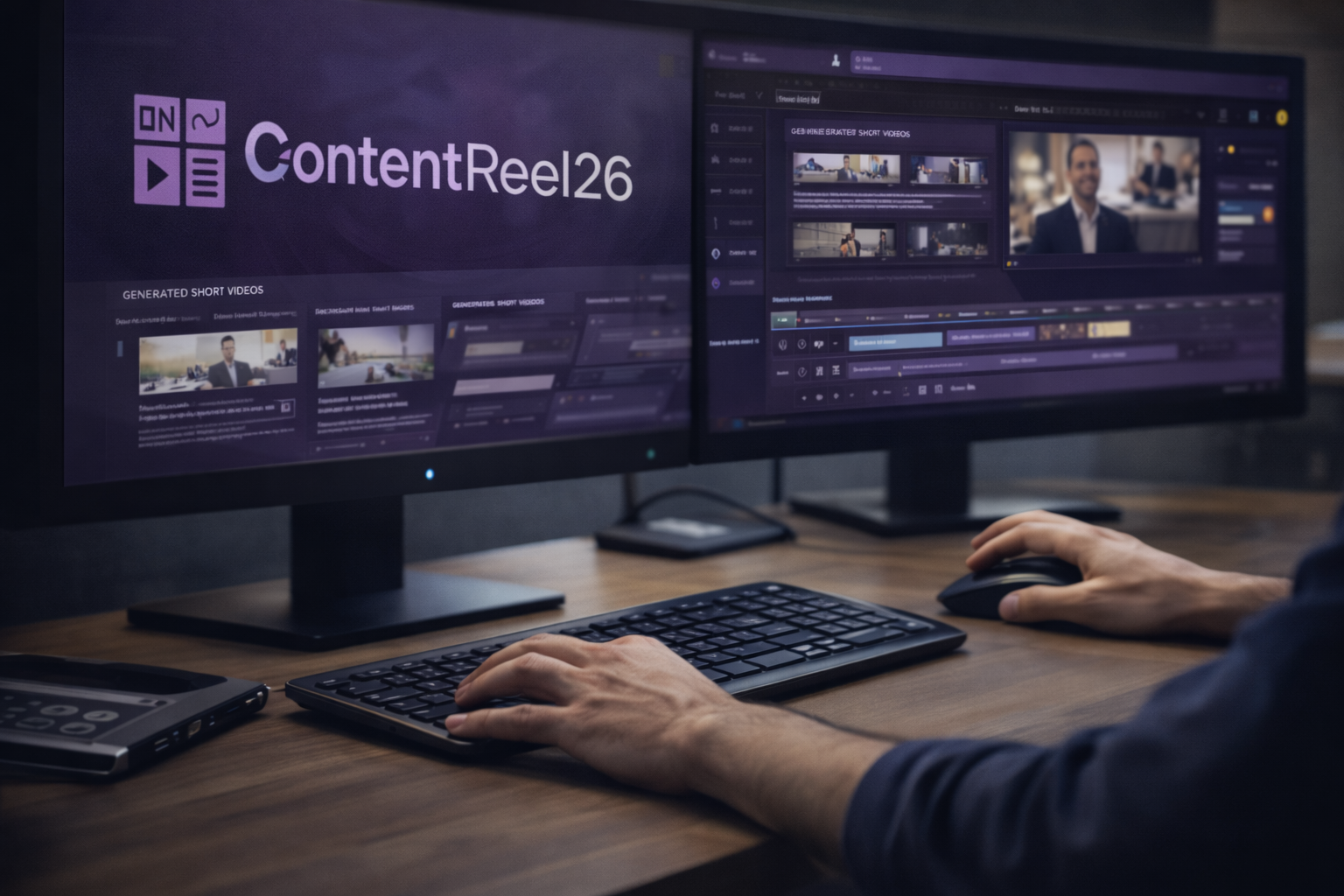
When evaluating any new software, especially in the AI video space, most buyers want to see one thing clearly: how it actually works. Not feature lists, not promises, but a practical walkthrough that shows what happens after logging in.
This article explains how ContentReel26 works from start to finish, based on its core workflow. It is written for beginners who want to understand whether the platform fits their process before making a decision.
What ContentReel26 Is Designed to Do
ContentReel26 is designed to simplify short-form video creation by turning a single input into multiple outputs. Instead of manually scripting, editing, and publishing each video, the platform focuses on batch creation and automation.
Its workflow is built around three main goals:
- Reduce setup time
- Increase publishing consistency
- Remove repetitive manual steps
Understanding this design philosophy helps set realistic expectations.
Step 1: Entering a Keyword or Content Source
The process begins with a keyword or topic. This keyword acts as the foundation for all videos created in that batch.
Based on the keyword, ContentReel26:
- Identifies related subtopics
- Generates multiple video ideas
- Structures content themes automatically
For users repurposing existing material, the platform can also work from URLs such as blog posts or articles.
Step 2: Script Generation and Content Structuring
Once topics are selected, ContentReel26 generates short, content-focused scripts for each video. These scripts are designed to be:
- Informative rather than promotional
- Easy to consume in short-form formats
- Flexible enough to edit if needed
Users can review, adjust, or regenerate scripts before moving forward. This step reduces the creative friction that often slows content production.
Step 3: Visual and Scene Creation
After scripts are approved, ContentReel26 builds the visual structure of each video.
This includes:
- Scene sequencing
- Visual selection based on script context
- Transitions and layout formatting
Unlike traditional editors, users do not need to assemble timelines manually. The system handles the structure automatically.
Step 4: Voice, Avatar, and Branding Options
ContentReel26 offers multiple presentation options depending on user preference.
These typically include:
- AI-generated voiceovers
- Voice cloning from short samples
- Talking-head avatars
- Custom branding elements such as logos and colors
This flexibility allows users to publish consistently without recording new footage every time.
Step 5: Customization and Review
Before publishing, users can customize:
- Text placement
- Backgrounds
- Visual assets
- Music and transitions
This step is optional. Some users prefer full automation, while others make light edits to align videos with brand guidelines.
Step 6: Scheduling and Publishing
The final step is publishing.
ContentReel26 allows users to:
- Schedule videos in advance
- Publish across multiple platforms
- Maintain consistent posting without daily intervention
This is often where users experience the biggest time savings, as publishing and scheduling are common bottlenecks.
What the Demo Helps You Decide
Watching or understanding the demo helps answer several practical questions:
- How much manual input is required?
- Is the workflow beginner-friendly?
- Can it support consistent publishing?
- Does it fit your current content strategy?
Rather than promising results, the demo shows how the system behaves in real use.
Who This Workflow Is Best For
ContentReel26’s workflow tends to suit:
- Marketers repurposing written content
- Affiliates creating short-form review clips
- Agencies managing multiple accounts
- Business owners seeking consistency
It is less suitable for users who want handcrafted, high-production videos for branding campaigns.
Final Thoughts
Understanding how a tool works is often more important than what it claims to do. ContentReel26 focuses on reducing the friction between ideas and published short videos.
For users who want to see the platform in action, review its workflow, or explore available options before deciding, you can check it out here:
👉 grab your copy