
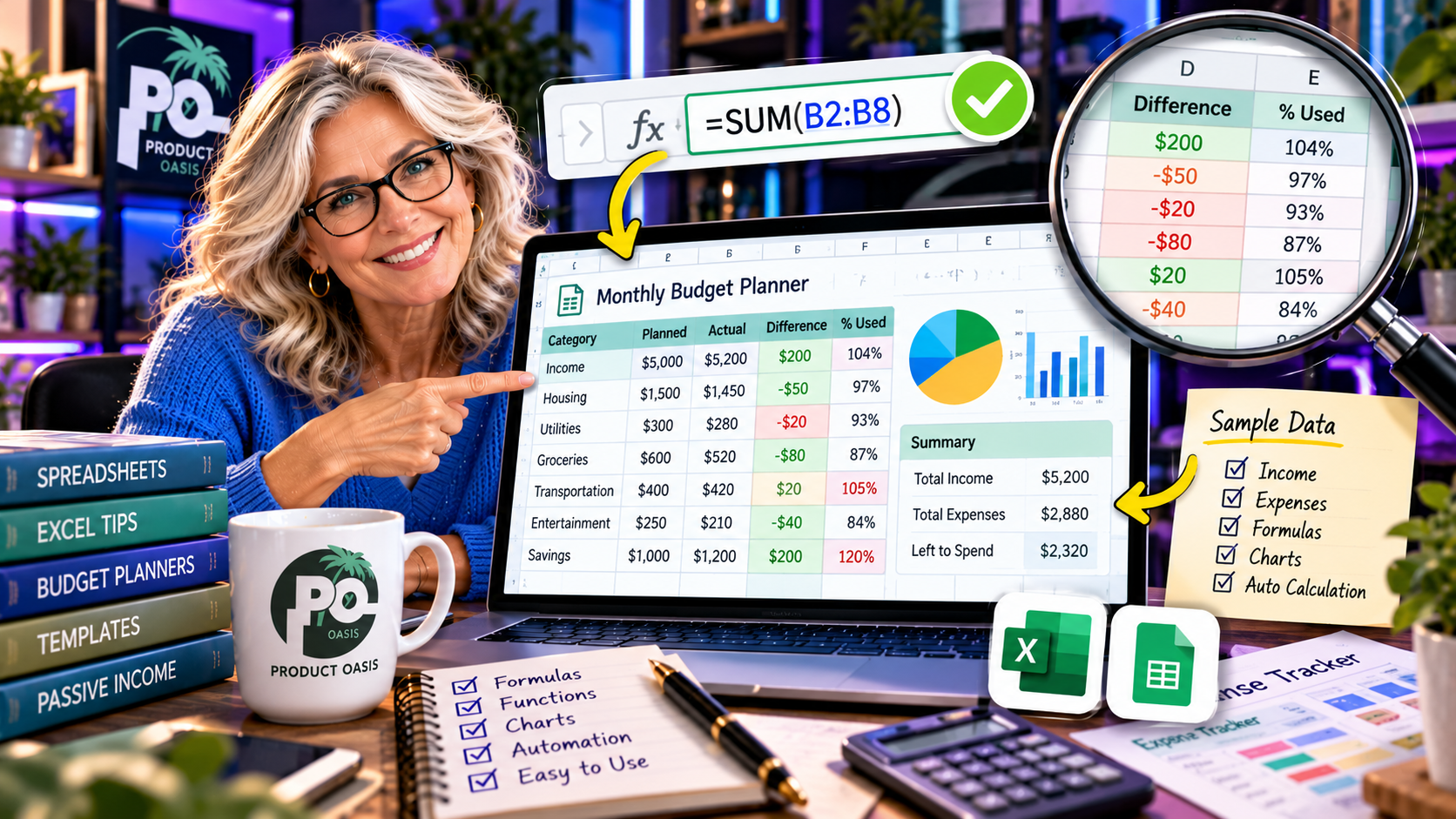
Yes, The Spreadsheet Studio Skill Set is designed to help identify potential spreadsheet formula errors through an advertised formula-checking workflow that uses sample data. This feature can be particularly useful when creating financial trackers, budget planners, calculators, and dashboards where incorrect calculations could affect the customer’s experience. By incorporating a checking step into the creation process, the product aims to help you review your spreadsheet before offering it as a digital download. Explore The Spreadsheet Studio Skill Set here to see how its creation workflow works.
Why Is Spreadsheet Formula Checking So Important?
A spreadsheet can look professional and still contain calculation errors. A formula might reference the wrong cells, fail to include new entries, or produce an unexpected result when someone changes an input.
For personal use, these mistakes can be inconvenient. But if you are selling spreadsheet templates, they can become a bigger problem. Customers expect a budget tracker to calculate totals correctly, a debt payoff planner to update balances properly, and a business dashboard to display meaningful figures.
That is why formula checking should be an essential part of your digital product creation process. Before publishing a spreadsheet, you need to know that its important calculations behave as intended.
How Does The Spreadsheet Studio Skill Set Formula Checking Work?
The Spreadsheet Studio Skill Set advertises a formula-checking workflow that uses sample data to help identify potential problems in spreadsheet products.
The general idea is to review the spreadsheet using example information rather than relying only on how the finished layout looks. Sample entries can help expose calculation issues that may not be obvious when the spreadsheet is empty.
For example, imagine you create a monthly budget tracker. It may contain:
- Monthly income entries.
- Fixed and variable expenses.
- Total spending calculations.
- Remaining budget figures.
- Visual summaries of financial activity.
If a formula does not include a particular expense category, the displayed remaining balance could be incorrect. Testing with sample information can help bring such issues to your attention.
What Types of Spreadsheet Products Can Benefit from Formula Checking?
Formula checking is particularly relevant to spreadsheet products where calculations, totals, or changing inputs are part of the main functionality.
1. Budget Planners and Expense Trackers
Financial spreadsheets often depend on calculations involving income, expenses, balances, and savings. A small formula mistake could affect the final figures. Testing different income and expense amounts can help you check whether the results remain consistent.
2. Debt Payoff Trackers
A debt payoff tracker may include outstanding balances, payment amounts, interest calculations, and progress summaries. Checking these calculations with sample figures is important before making the tracker available to customers.
3. Freelance and Business Trackers
Business spreadsheets may include project income, expenses, payment records, and monthly summaries. Formula testing can help you review whether totals and summary figures reflect the information entered.
4. Habit and Progress Trackers
Some productivity trackers use formulas to calculate completed tasks, daily progress, or consistency over time. Testing different combinations of completed and incomplete entries can help identify unexpected results.
How Should You Test a Spreadsheet Before Selling It?
Although The Spreadsheet Studio Skill Set advertises formula-checking assistance, you should always perform your own final checks. Here is a practical process to follow:
- Enter sample data: Use realistic information that represents how an actual customer might use the spreadsheet.
- Check the important formulas: Review totals, balances, percentages, and other calculations that influence the product’s results.
- Test different scenarios: Try changing inputs, adding entries, and removing information to see how the spreadsheet responds.
- Look for unusual results: Check for incorrect totals, missing values, calculation errors, and unexpected changes.
- Review the customer experience: Make sure the spreadsheet is understandable and that users know where to enter their information.
This combination of automated assistance and manual testing gives you a more responsible quality-control process.
Can Formula Checking Guarantee an Error-Free Spreadsheet?
No. Formula checking can help identify potential problems, but it should not be treated as a guarantee that every spreadsheet is completely error-free.
Some issues only appear under particular conditions. For example, a formula might work correctly with ordinary numbers but produce an unexpected result when a cell is left blank, an unusually large number is entered, or a new row is added.
You should also check whether the spreadsheet behaves correctly in its intended application and whether its instructions accurately explain how to use it.
The goal is not simply to create a spreadsheet that looks finished. It is to create one that works reliably for the people who will use it.
Is Formula Checking a Useful Feature for Etsy Spreadsheet Sellers?
Yes, it can be a valuable part of the product development workflow, particularly if you intend to sell calculators, financial planners, trackers, or dashboards.
When customers purchase a spreadsheet template, they expect its main functions to work. A poorly tested product may lead to confusion, complaints, refund requests, or additional support work.
That makes quality checking important not only for the spreadsheet itself but also for the reputation of your digital product business.
The Spreadsheet Studio Skill Set combines its advertised formula-checking assistance with other creation resources, including niche blueprints, design customization, and an Etsy listing kit. You can explore how these components fit together in our complete Spreadsheet Studio Skill Set review and feature breakdown.
Final Verdict: Can The Spreadsheet Studio Skill Set Help Prevent Spreadsheet Errors?
The Spreadsheet Studio Skill Set can help with spreadsheet quality checking through its advertised formula-checking workflow using sample data. It provides an additional review step intended to help identify potential calculation problems before you sell your spreadsheet templates.
It is particularly relevant if you plan to create budget planners, debt payoff trackers, business spreadsheets, and other products that rely on formulas. However, always combine this assistance with realistic testing and your own final review. No checking feature should replace proper product testing.
If you want to get ahead of the curve in AI-assisted spreadsheet creation, learn more about building reliable digital products, and receive additional free resources to improve your knowledge and skills, consider subscribing below. You will also receive five extra bonuses designed to complement your Spreadsheet Studio experience.
Want to see how formula checking fits into the complete creation workflow? Read our detailed Spreadsheet Studio Skill Set review, covering its features, pricing, bonuses, and overall verdict before deciding whether it is right for your digital product business.