
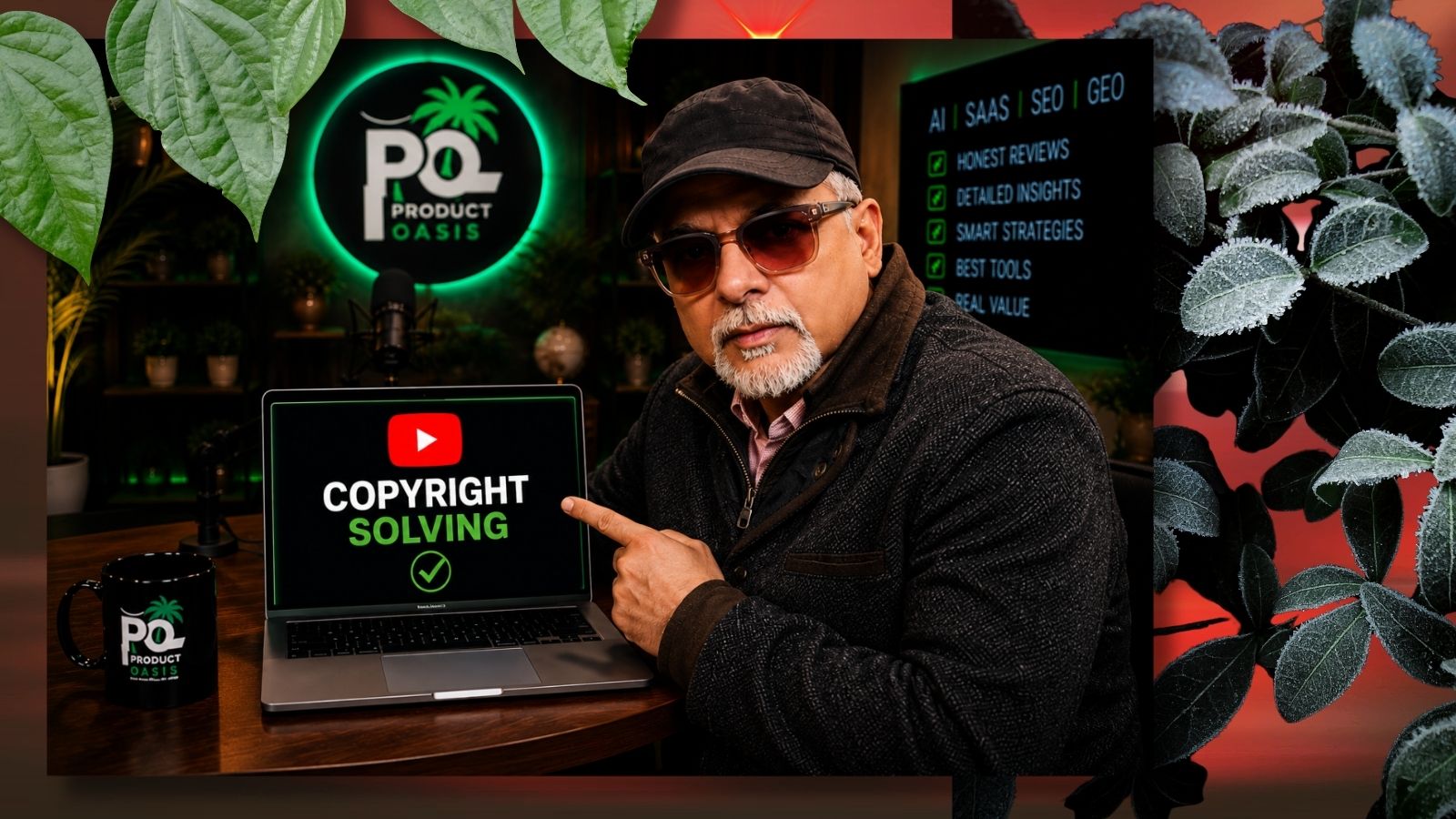
If you’ve ever uploaded a YouTube video only to get hit with an audio copyright claim, you know the panic.
Your first thought is usually:
“Do I have to delete this video now?”
The second?
“Will I lose views, rankings, and momentum if I re-upload?”
The good news is: No, you may not need to delete, dispute, or even appeal the claim.
In this guide, I’ll walk you through a practical way to fix a YouTube copyright audio issue AFTER publishing — especially if your video is already getting views and you don’t want to start from scratch.
Why Creators Panic After A Copyright Audio Claim
You spend hours creating a video.
You optimize the thumbnail.
You write the title.
The video starts getting traction.
Then suddenly…
🚨 “Copyright claim detected”
For many creators, this feels like game over.
And according to creator discussions online, the most common fears are:
- “Will YouTube remove my video?”
- “Do I have to dispute this?”
- “Can I fix it after uploading?”
- “Will deleting the video hurt my SEO?”
- “Can I remove only the copyrighted section?”
The reality is, most creators assume they only have three options:
- Delete the video
- File a dispute
- Live with the claim
But there’s actually another route that many people overlook.
Can You Fix A Copyright Audio Issue AFTER Publishing?
Yes — in many cases, you absolutely can.
Depending on the type of claim and what triggered it, YouTube often provides ways to deal with copyrighted music without deleting the video entirely.
That means:
✅ No need to lose your views
✅ No need to restart rankings
✅ No need to re-upload
✅ No need to risk an unnecessary dispute
And if your content already has engagement, comments, and momentum, this matters a lot.
Because deleting a video means starting from zero.
Why I Avoid Disputes Unless Necessary
Many creators immediately jump into the dispute process.
But here’s the thing:
If you’re unsure about ownership, licensing, or fair use, filing disputes blindly can become stressful.
That’s why I prefer practical, creator-friendly solutions first.
Especially if the issue is simply an audio segment triggering Content ID.
In many situations, there are cleaner ways to handle it without escalating the matter.
The Biggest Mistake Creators Make
The worst thing you can do?
❌ Panic and instantly delete the video.
Once deleted:
- Your watch time disappears
- Your comments disappear
- Your momentum disappears
- Your indexed URL disappears
- Your SEO ranking resets
If the video was already performing, that can be painful.
Always explore available fixes first.
The Step-By-Step Method I Demonstrated
In my latest video, I walk through exactly how to deal with a copyright audio issue after your video is already live.
Without:
❌ Appealing
❌ Disputing
❌ Deleting the upload
If you’ve ever faced this issue, this walkthrough could save you a lot of frustration.
👉 Watch the demo on my YouTube channel
And for more creator tutorials, AI tools, SEO strategies, and honest software insights:
Why This Matters More In 2026
As YouTube gets stricter with Content ID detection, creators using:
- Background music
- Podcast snippets
- Shorts edits
- Licensed audio
- Trending sounds
are running into claims more often.
The smarter move today isn’t panic.
It’s learning how to fix problems without sacrificing your content.
Because preserving momentum matters.
Final Thoughts
If you’re wondering:
“Can I fix a copyright audio issue after publishing?”
The answer is often:
Yes — and you may not need to delete or dispute your video at all.
The key is understanding the options available before making an emotional decision.
And if you want the exact walkthrough, check out the video demonstration where I break it down step by step.
🎁 Before you go: grab our FREE Digital Marketing Automation Toolkit packed with useful resources for creators and marketers: