

Looking for a practical way to create distinctive number-mystery puzzle books for Amazon KDP and printable marketplaces? Jikan Nazo is designed to help turn a puzzle-book idea into a structured, publishable product without making you manually build every number grid, clue sequence, page layout, and answer key from scratch.
What makes Jikan Nazo interesting is its focus on number-mystery puzzles: readers use a register of possible numbers and a series of clues to narrow the possibilities until one answer remains. For publishers, that gives the software a clear purpose—helping create a repeatable format for puzzle books and printable products.
What Is Jikan Nazo?
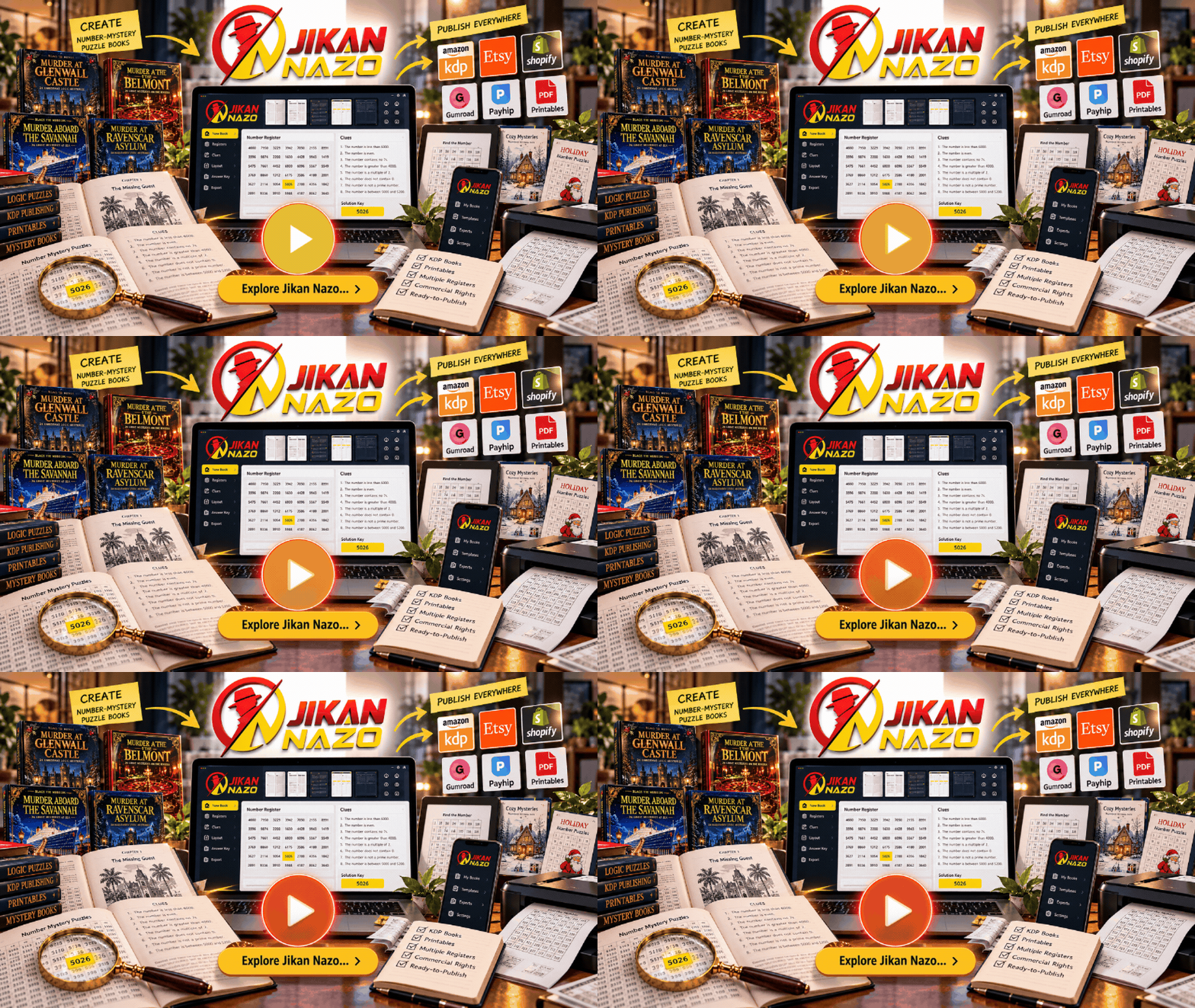
Jikan Nazo is a number-mystery puzzle creation tool aimed at people who want to produce puzzle books and printable content. Instead of creating each puzzle manually, you use the software’s register-and-clue approach to generate a mystery built around identifying the one number that satisfies the clues.
The intended workflow brings together the core parts of a puzzle-book project: the number register, clues, puzzle pages, instructions, and solution material. The software is designed to help assemble those elements into a complete book rather than leaving you with disconnected puzzles that still need extensive formatting.
For a publisher, this matters because the challenge is not simply inventing a puzzle. You also need to organize the pages, create a consistent reading experience, prepare the solution section, and produce an interior that is suitable for the intended format.
Jikan Nazo is built around that broader production process. It is particularly relevant if you want to explore number-mystery books as a product category, develop themed collections, or create printable puzzle resources for customers.
How Does Jikan Nazo Work?
The central concept is straightforward: a puzzle begins with a register containing possible numbers, and readers use the supplied clues to eliminate entries that do not fit. The remaining answer is the solution to the mystery.
- Choose a register. Start with the type of number-based mystery you want to create.
- Build the mystery. Use the software’s puzzle-generation workflow to organize the register and its clues.
- Set up the book. Arrange the puzzle content, instructions, page layout, and answer material.
- Review the output. Check the puzzle, page previews, formatting, and solution information before publishing.
- Export your project. Select the available output format that suits your publishing or printable workflow.
A particularly important part of the product’s positioning is its emphasis on puzzles with one intended solution. The product materials describe a verification process intended to ensure that the clues lead to a unique answer before export. That is valuable for a logic-puzzle product because ambiguous answers can undermine the reader’s experience.
As with any generated book, review the final output before releasing it. A quick quality check helps you confirm that the puzzle pages, instructions, answer key, and printed layout work together as intended.
Jikan Nazo Features: What Do You Get?
Jikan Nazo focuses on the production tasks that can make puzzle publishing time-consuming. Its feature set is designed to support puzzle creation, book assembly, formatting, and export from one workflow.
1. Number-Mystery Puzzle Generation
The core feature is the number-mystery engine. Readers solve a puzzle by using clues to narrow down a register of possible numbers. This gives publishers a repeatable puzzle format that can be developed into themed books and collections.
2. Multiple Difficulty Levels
The product materials describe three difficulty settings: Gentle, Standard, and Fiendish. This gives you a way to plan books for different challenge levels instead of building every puzzle around the same degree of difficulty.
3. Book Assembly and Page Layout
Jikan Nazo is designed to bring the puzzle content into a more complete book structure, including front matter, instructions, puzzle pages, and coded solution material. That helps reduce the amount of manual assembly needed after generating the puzzles.
4. Page Previews and Print-Oriented Checks
The product materials describe live page previews and pre-flight checks for print-related details such as margins, gutters, bleed, and supported trim sizes. These features are intended to help you catch layout problems before exporting a book for publication.
5. Export Options
Export availability depends on the version you choose. The launch-era product materials describe PNG output and a monthly PDF allowance in the entry-level offer, with expanded PDF and additional document-format exports available in higher tiers. Confirm the current plan details before purchasing.
6. Additional Registers and Customization
The Pro upgrade was presented as adding nine more register types, including examples such as phone numbers, timestamps, lottery tickets, IP addresses, dates, and coordinates. It also adds design options and support for multiple languages, giving publishers more ways to vary the books they create.
7. Story-Based and Picture-Based Puzzle Options
The wider product lineup includes Premium features built around story-based mystery books and a separate picture-based puzzle engine called Icon Nazo. These extensions are intended for users who want to move beyond the core number-register format.
Who Should Consider Jikan Nazo?
Jikan Nazo is most relevant to people who want a structured way to create number-mystery puzzle products. It is worth considering if one or more of these goals matches your publishing plans.
- Amazon KDP publishers: You want to create paperback puzzle books with a defined format and organized answer material.
- Printable creators: You want to produce puzzle content that can be packaged as downloadable products.
- Digital product sellers: You want to explore number-mystery puzzles as a specialized product category.
- Existing puzzle-book creators: You want a repeatable workflow that reduces the amount of manual puzzle and page assembly.
- Publishers planning a series: You want to explore different difficulty levels, register types, and themes across multiple products.
The strongest reason to consider the software is that it targets a specific production job. If you already want to publish number-mystery puzzles, a dedicated workflow is more relevant than a general-purpose design tool that leaves the puzzle logic and book structure to you.
Jikan Nazo Pricing: Front End, Pro, Premium and Icon Nazo
The product’s launch materials described four main purchase options. These figures are the launch-era prices, not a confirmation of today’s checkout prices. The launch window listed in the vendor materials ended in September 2026, so use the current offer page to confirm availability, pricing, and included features.
| Option | Launch-era price | Main purpose |
|---|---|---|
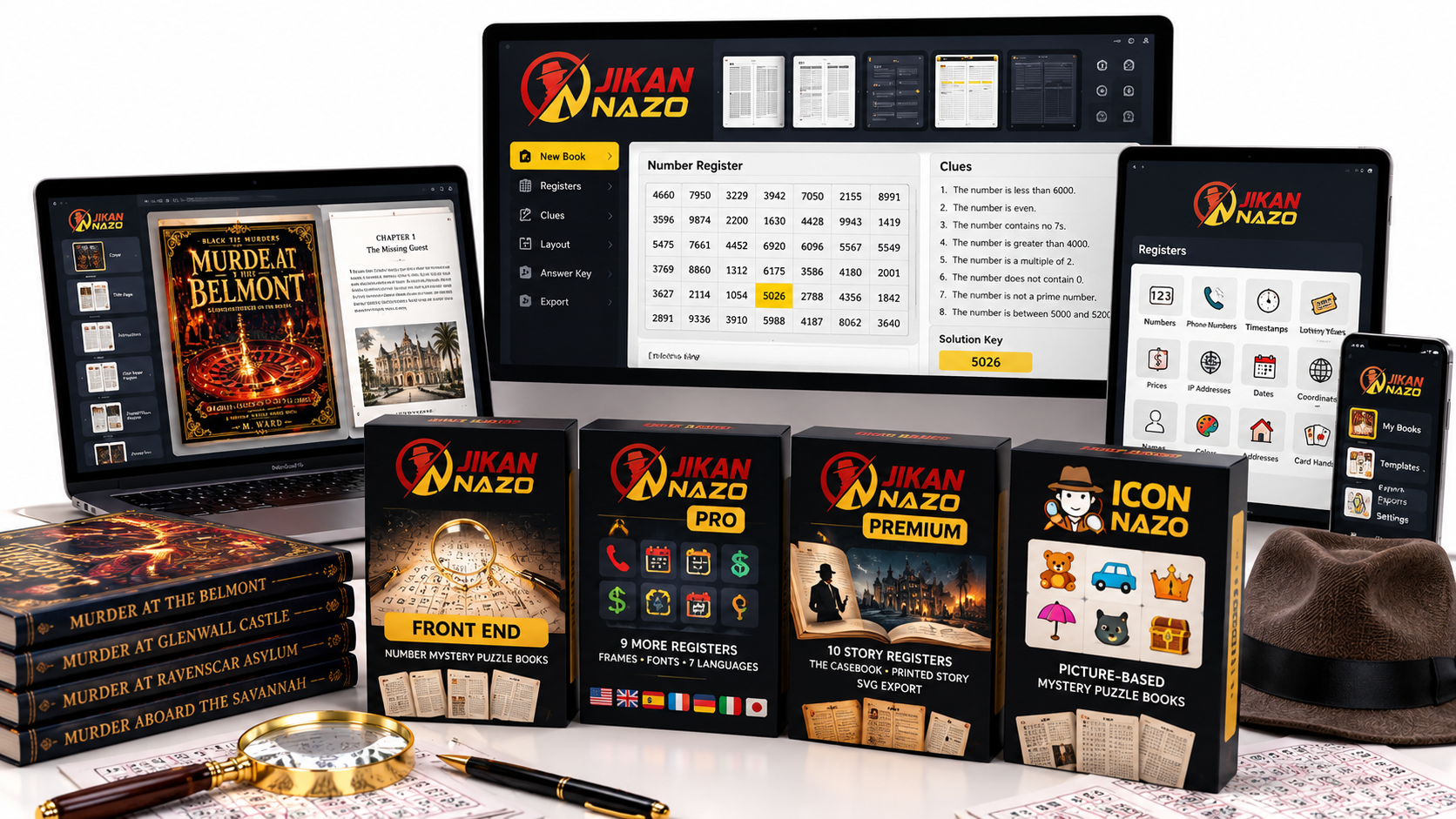
| Front End | $19 | Core number-mystery puzzle creation and book production. |
| Pro | $57 | Additional registers, design options, languages, and expanded exports. |
| Premium | $187 | Story-based registers, Casebook features, printed-story functionality, and SVG export. |
| Icon Nazo | $47 | A separate picture-based mystery engine with themed icons and related puzzle-book features. |
Which option makes the most sense? If your main goal is to test the number-mystery format, the Front End is the natural starting point. Pro is more relevant if you expect to use varied registers, additional styling, languages, or expanded export options. Premium is aimed at publishers interested in story-based books, while Icon Nazo is for those who specifically want picture-based mysteries.
Do not choose an upgrade simply because it is available. Match the tier to the kinds of books you genuinely plan to create, and check the current checkout page to see which options are still offered.
Check Current Jikan Nazo Options
Jikan Nazo OTOs: What Do the Upgrades Add?
In the launch-era offer structure, the upgrades were positioned around three different needs: expanding the number of puzzle types you can produce, adding story-based book creation, and branching into picture puzzles.
Jikan Nazo Pro
Pro was presented as the upgrade for publishers who want more variety and control. The launch materials describe nine additional registers, frames and fonts, seven interface languages, and expanded PDF, Word, and PowerPoint export options. If you expect to create a range of number-mystery products, these additions are the main reason to evaluate Pro.
Jikan Nazo Premium
Premium was positioned for story-led puzzle products. The described features include ten story registers, Casebook functionality, printed-story features, and SVG export. This tier is most relevant when you want a more narrative style of puzzle book rather than relying solely on number registers and clues.
Icon Nazo
Icon Nazo is a separate picture-based mystery engine rather than simply another number-register setting. The launch materials describe 30 themes and 600 hand-drawn icons, alongside Casebook and printed-story features. It is worth exploring if picture-based puzzles fit the audience or product range you want to build.
These are descriptions of the launch-era upgrade lineup. Current availability, upgrade prices, export limits, and feature inclusions should be checked on the offer page before making a purchase.
Jikan Nazo Bonuses
Bonuses can make a software purchase more useful when they support the work you are actually trying to do. For Jikan Nazo, evaluate any bonus package by whether it helps with planning, producing, presenting, or publishing your puzzle products—not merely by the number of items or their stated values.
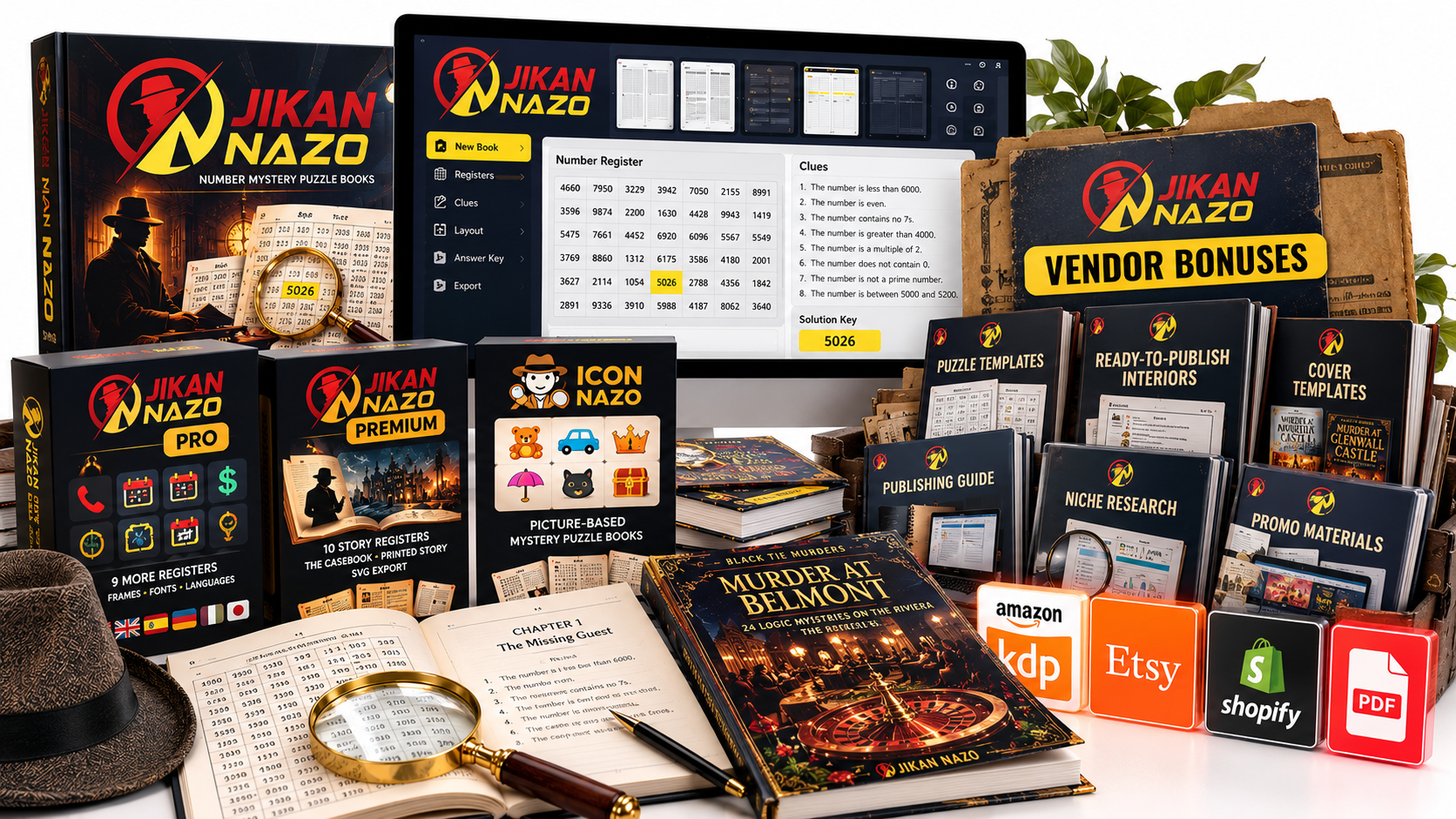
The bonus image provides a visual overview of the bonus presentation. The exact bonus names, contents, and availability should be confirmed at checkout because launch bundles can change. Before purchasing, check which bonuses are included with the specific option you select and whether they address a real gap in your workflow.
The most useful package is the one that complements the core software and helps you move from an idea to a finished, reviewed product with fewer unnecessary steps.
View the Available Offer and Bonuses
Official Jikan Nazo Walkthrough
If you want to understand the product before choosing a plan, start with the walkthrough below. Watching the workflow can help you assess whether the interface and puzzle-book process fit the way you want to work.
As you watch, focus on the steps involved in choosing a register, working with clues, previewing the pages, and preparing the output. These are the practical details that determine whether the software is a good fit for your publishing workflow.
About Ike Paz, the Creator of Jikan Nazo
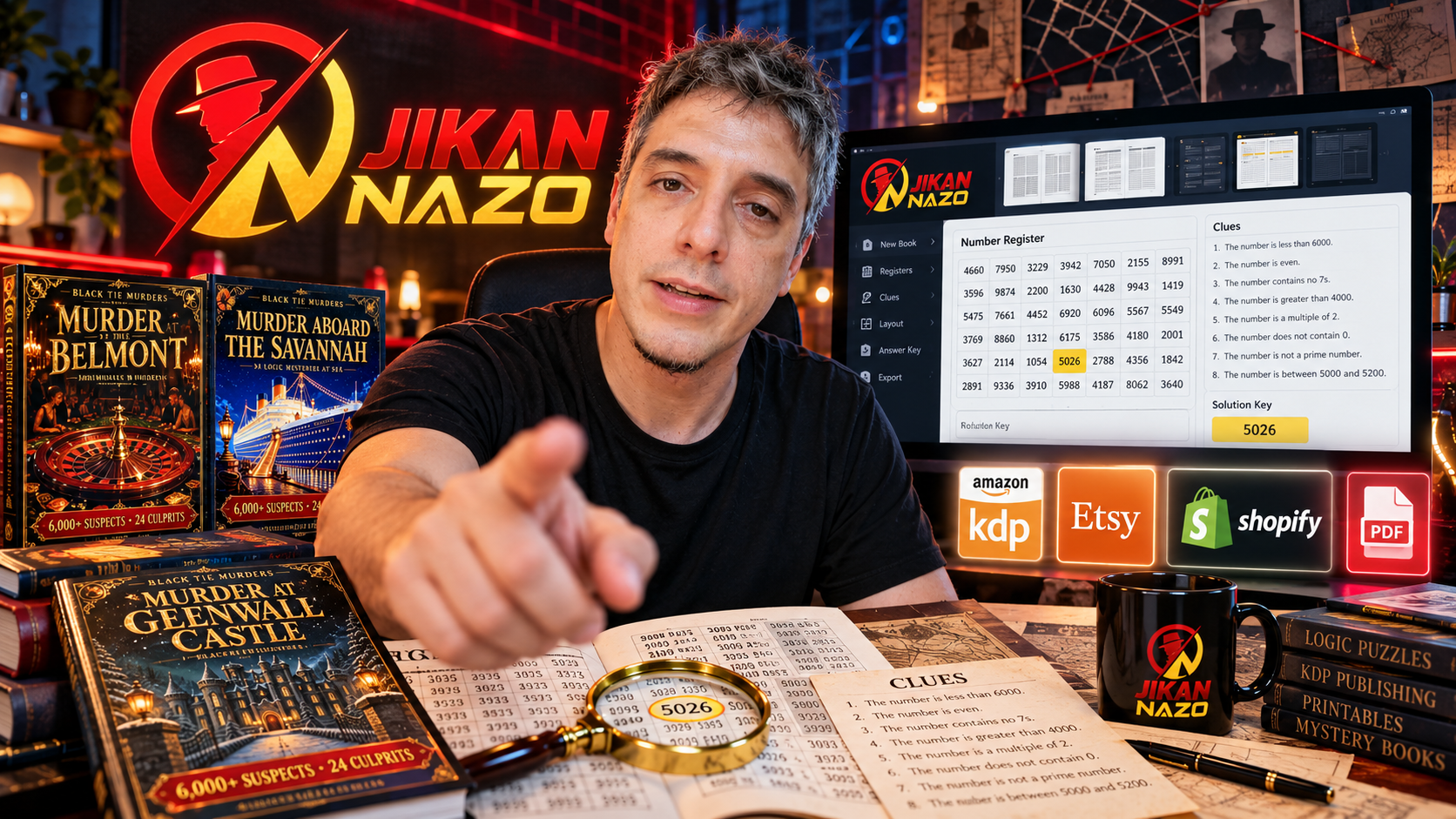
Ike Paz is an online marketer, entrepreneur, and digital-publishing creator who has built tools, training, and software for people interested in Amazon KDP, printables, print-on-demand products, and online publishing. Through brands and products including Crispy Prints, Royalty Prints, Nurie Creator, Nurie Prints, Brain Game Prints, Kawaii Town Prints, and Crispy Stix, his work spans printable design, coloring books, mid-content books, puzzle books, and stickers. His YouTube content focuses on online business case studies, publishing tools, and lessons from both successes and failures, with an emphasis on showing creators the processes and software he uses. Ike is originally from Miami and is currently based in Japan. His publishing-focused background is relevant to Jikan Nazo because the software addresses a specific creator task: producing structured mystery-puzzle books and related printable products.
For prospective buyers, the most important consideration is how well the software’s workflow matches the kind of puzzle products they want to create. Review the features and walkthrough, then compare the current offer with your intended publishing process.
Jikan Nazo Testimonials and User Feedback
Testimonials can help you understand how a product is presented and what buyers value, but they are most useful when you can distinguish specific feedback from general promotional claims. Look at the available testimonials alongside the walkthrough and feature list, and consider whether they address the tasks you need the software to handle.
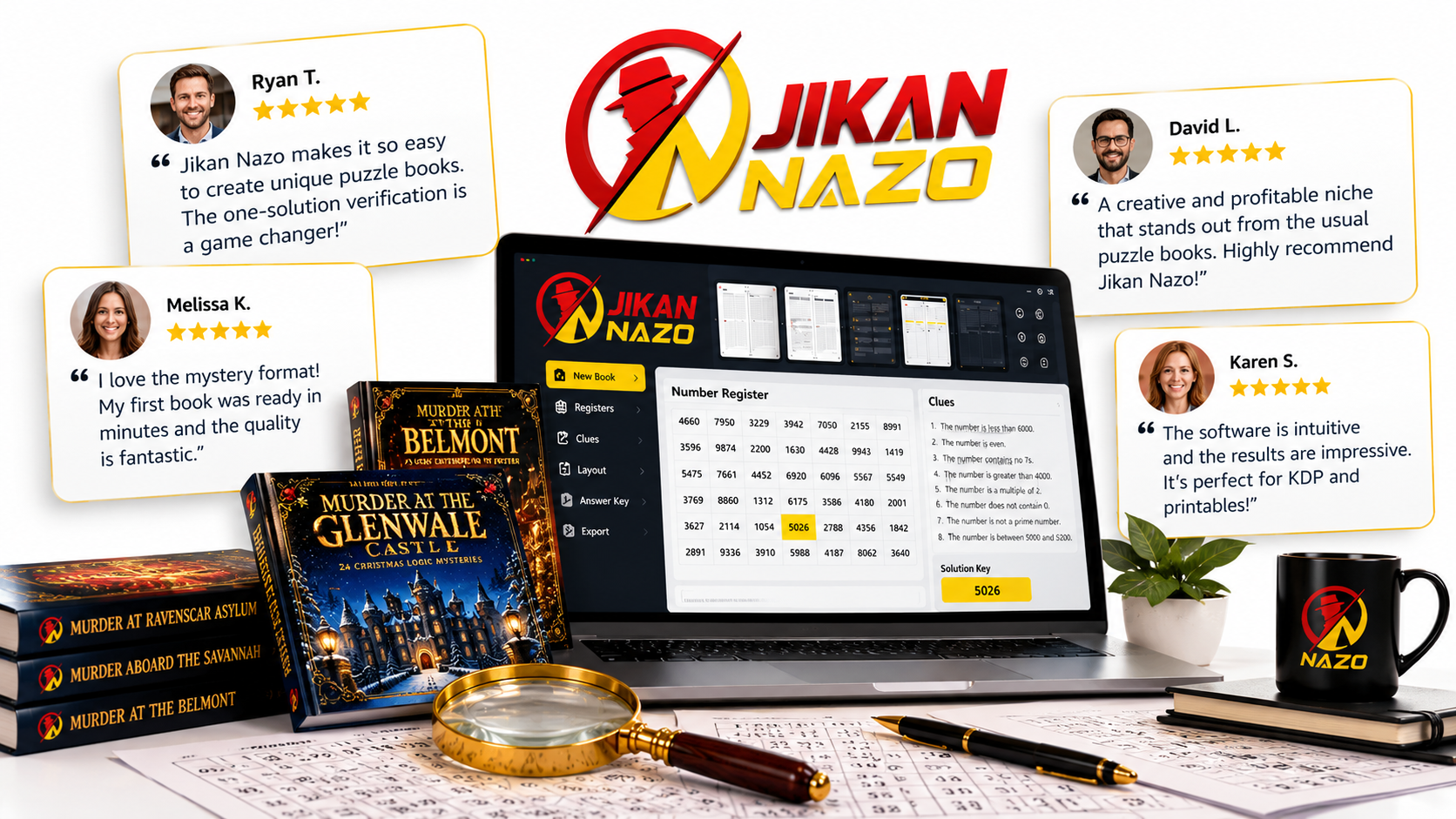
The key evaluation points are practical: whether the puzzle workflow is understandable, whether the generated pages meet your standards, whether the available export options suit your publishing process, and whether the selected tier includes the features you need.
No software can guarantee book sales or a particular income. Your results will depend on factors such as product quality, niche selection, cover and listing presentation, pricing, competition, and how effectively you reach potential buyers. Jikan Nazo’s role is to help with puzzle creation and production; it does not remove the need to make sound publishing decisions.
Can You Use Jikan Nazo for Amazon KDP and Printables?
Jikan Nazo is designed with puzzle-book production in mind, making Amazon KDP paperbacks and printable products natural use cases to explore. The software’s book assembly and print-oriented features are intended to help prepare puzzle content for those workflows.
For an Amazon KDP project, review the finished interior carefully before uploading it. Confirm the selected trim size, margins, gutter, page order, readability, and answer section. Preview the book as a reader would experience it rather than assuming that a successful export automatically means the interior is ready for publication.
For printable products, consider the format your customers expect and confirm that the current plan supports the export type you need. Think about how the puzzle pages will look on screen and on paper, and make sure the instructions and solution material are easy to follow.
The business opportunity is not simply to generate more pages. It is to create useful, well-presented puzzle products for a defined audience. Jikan Nazo can help with the production process, while your research, presentation, and product decisions shape the final offer.
Jikan Nazo Pros and Cons
| Pros | Things to Consider |
|---|---|
| A focused number-mystery puzzle creation workflow. | It is specialized software, so it may not suit every puzzle format. |
| Designed to assemble puzzles, instructions, pages, and solutions into a book. | You should still review the finished output before publishing. |
| Multiple difficulty levels for different puzzle-book concepts. | Current plan limits and export options need to be checked. |
| Higher tiers expand the available registers and puzzle styles. | Upgrades are only worthwhile if you will use their additional features. |
| Relevant to creators exploring KDP books and printable products. | The software does not guarantee sales or replace niche and listing research. |
Is Jikan Nazo Legit?
Jikan Nazo is presented as a dedicated puzzle-book creation product with a defined number-mystery workflow, a documented feature lineup, a walkthrough, and multiple plan options described in its launch materials. Those details give prospective buyers concrete points to evaluate rather than relying on a product name alone.
The sensible way to assess it is to match the documented workflow to your intended use. Review the walkthrough, check the features included in the current offer, and confirm the available exports and terms before purchasing. Then judge the software on whether it helps you produce the type of puzzle book or printable you want to create.
It is also important to separate software capability from business results. Jikan Nazo is a production tool; it cannot guarantee demand, rankings, royalties, or a particular return on investment. Its value comes from how well its features support your own publishing process.
Jikan Nazo vs. Creating Puzzle Books Manually
Creating a puzzle book manually gives you control over every detail, but it also means handling the puzzle logic, page composition, instructions, solution pages, and formatting yourself. That can be suitable for creators who enjoy designing every element or need a highly customized format.
A dedicated tool such as Jikan Nazo is more attractive when you want a repeatable process built around number-mystery puzzles. Its value is the attempt to bring several production steps into one workflow, helping you spend less time assembling the basic structure and more time reviewing and improving the final product.
| Consideration | Jikan Nazo | Manual Creation |
|---|---|---|
| Puzzle format | Focused on number-mystery puzzles. | Depends on your own process and tools. |
| Book assembly | Designed to organize key book elements. | You assemble and format the components yourself. |
| Customization | Depends on the settings and plan available. | Potentially broad, but often more hands-on. |
| Best fit | Creators who want a dedicated, repeatable workflow. | Creators who prefer full manual control or unusual formats. |
Frequently Asked Questions About Jikan Nazo
What is Jikan Nazo used for?
Jikan Nazo is designed to create number-mystery puzzles and help assemble them into puzzle books or related printable products. Readers use clues to narrow a register of possible numbers until one answer remains.
Is Jikan Nazo suitable for beginners?
It may suit beginners who want a dedicated workflow rather than building every puzzle and page manually. Watch the walkthrough and review the current feature list to decide whether the interface and process match your experience level.
Does Jikan Nazo include different difficulty levels?
The launch materials describe three difficulty settings: Gentle, Standard, and Fiendish. Confirm the feature list for the version currently available before purchasing.
Can I use Jikan Nazo to create Amazon KDP books?
The software is designed for puzzle-book production, including print-oriented features intended to support KDP-style paperback workflows. Review the exported interior carefully and confirm that it meets the requirements of your chosen publishing format.
Does Jikan Nazo have upgrades?
The launch lineup included Pro, Premium, and Icon Nazo. Pro adds register and customization options, Premium focuses on story-based puzzles, and Icon Nazo is a separate picture-based mystery engine. Current availability and prices should be checked at checkout.
What is the current Jikan Nazo price?
The launch-era materials listed the Front End at $19, Pro at $57, Premium at $187, and Icon Nazo at $47. These are historical launch prices; check the current offer page for today’s pricing and availability.
Does Jikan Nazo guarantee sales or passive income?
No software can guarantee sales or income. Jikan Nazo is intended to support puzzle creation and book production, while results depend on the quality and positioning of your products, market demand, competition, and marketing.
Where can I see how Jikan Nazo works?
Watch the official walkthrough embedded in this review to get a clearer idea of the workflow, then compare the demonstrated features with the plan you are considering.
Final Verdict: Is Jikan Nazo Worth Considering?
Jikan Nazo is worth a close look if you want to create number-mystery puzzle books and prefer a dedicated production workflow over assembling every element manually. Its clearest strengths are the register-and-clue puzzle concept, multiple difficulty settings, book assembly features, and the availability of higher-tier options for creators who want additional registers or story- and picture-based formats.
The best starting point is to identify the product you want to make. If a number-mystery paperback or printable is your goal, begin by evaluating the core offer. If you already know you need more register types, broader export options, or story-based features, compare the upgrade descriptions before deciding.
Before you buy, confirm the current price, included features, export limits, bonus package, and purchase terms on the offer page. The launch-era figures in this review should not be treated as current checkout prices.
If the workflow matches your publishing plans, the next step is to review the available offer and choose the version that fits the books or printables you intend to create.