
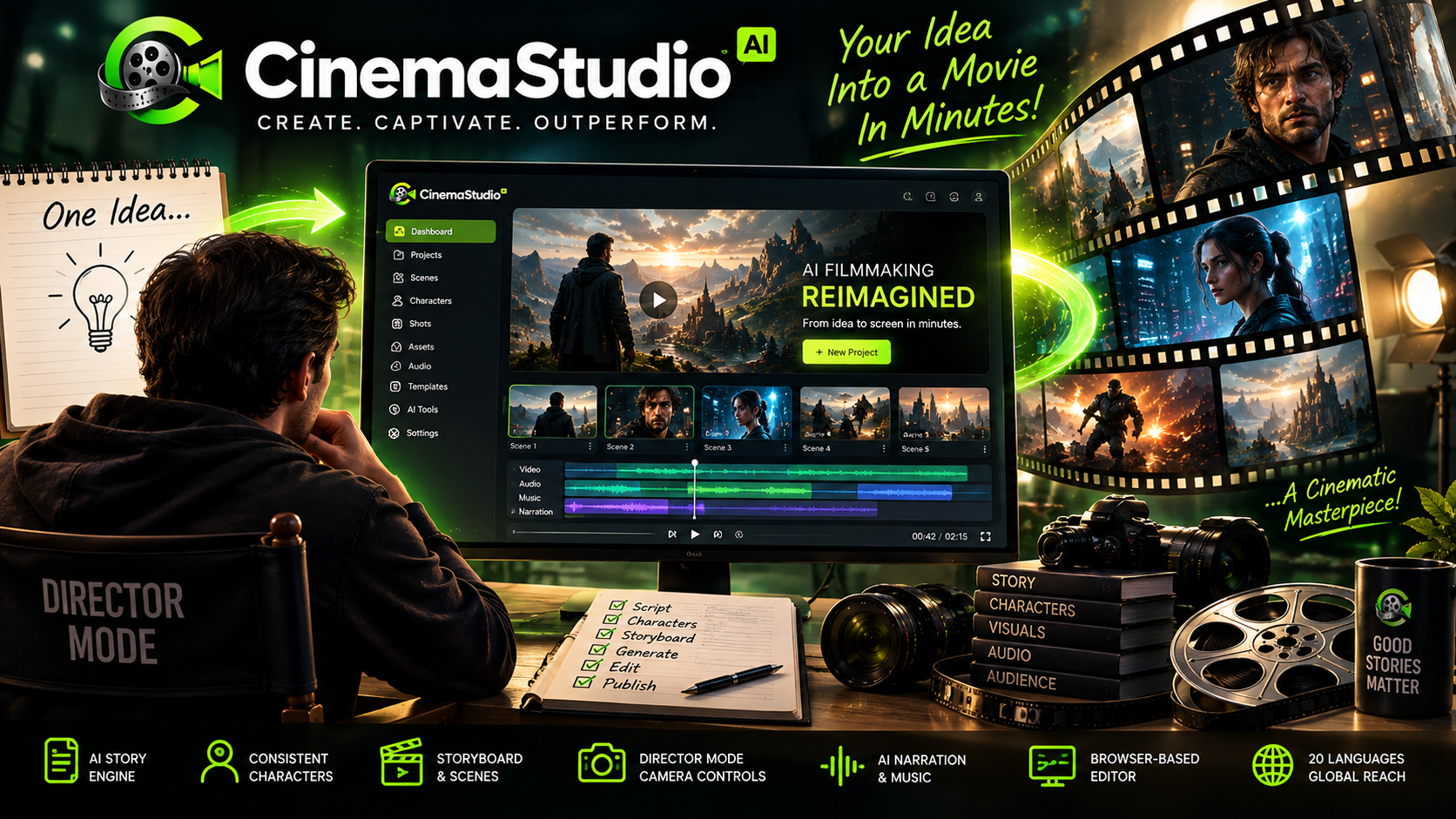
If you have ever tried AI video tools and ended up with impressive-looking clips that still feel disconnected, CinemaStudio AI takes a different approach: it starts with the story rather than treating every generation as an isolated clip.
In this CinemaStudio AI review, I’ll break down what the platform does, how its story-first workflow works, the main features, current pricing, OTOs, bonuses, commercial licensing, testimonials, strengths and limitations, and ultimately whether CinemaStudio AI is worth considering.
The short version: CinemaStudio AI is designed for creators, marketers, YouTubers, agencies and businesses that want to turn ideas, scripts or templates into short cinematic videos without assembling a separate collection of writing, image, video, voice and editing tools.
Check CinemaStudio AI Access & Pricing
Quick Verdict: Is CinemaStudio AI Worth It?
My overall assessment: CinemaStudio AI is an interesting option if your priority is story-driven AI video production rather than simply generating isolated AI clips.
| Category | Assessment |
|---|---|
| Best for | Creators, faceless channels, marketers, agencies, storytellers and businesses |
| Core idea | Turn an idea or script into a structured cinematic production |
| Front-end price | $37 according to the current official partner page |
| Video formats | Vertical, widescreen and square |
| Front-end film length | 15–90 seconds according to the current official partner page |
| Monthly credits | 2,500 video credits listed on the front end |
| Commercial license | Included according to the current official offer |
| Money-back guarantee | 30 days |
| Main limitation | Some advanced capabilities require upgrades, and launch pages currently contain a few inconsistent feature descriptions |
Pricing and feature details can change during or after the launch, so treat the figures above as a snapshot of the current offer rather than a permanent price promise.
What Is CinemaStudio AI?
CinemaStudio AI is a browser-based AI filmmaking platform built around a story → characters → storyboard → production → editing workflow.
Instead of starting with a blank video timeline and manually stitching together unrelated AI-generated clips, the platform is designed to take an idea, script or ready-made template and turn it into a structured production.
The current official product information describes a workflow built around four broad stages: Select, Customize, Produce and Profit. Users can start from templates, generate an idea, use their own script, create characters, choose visual direction, preview the storyboard and then produce the finished video. :contentReference[oaicite:0]{index=0}
That story-first positioning is important because it changes what the tool is trying to solve. CinemaStudio AI is not presented simply as another text-to-video generator. Its feature set is designed to cover multiple stages of production inside one environment, including storytelling, character creation, visual direction, narration, music and editing.
How Does CinemaStudio AI Work?
The easiest way to understand CinemaStudio AI is to follow its production workflow.
Step 1: Select a Story
You can begin with a ready-made story template, generate a fresh concept with AI, paste your own script or start from a basic idea.
The current official partner page lists hundreds of done-for-you templates covering 10 story categories and more than 100 sub-genres on the commercial front end. :contentReference[oaicite:2]{index=2}
Step 2: Customize the Production
This is where you move beyond the basic idea.
You can work with characters, visual styles, languages, formats, pacing and cinematic direction. The platform also includes character and universe tools intended to make recurring visual elements easier to manage.
Step 3: Produce the Film
CinemaStudio AI then takes the direction and turns it into a shot-by-shot production, including the storyboard, scenes, narration, dialogue, audio and music.
One particularly useful part of the workflow is the storyboard preview. Instead of waiting until the entire film is rendered to discover that a scene needs changing, the platform presents the production as a sequence of shots that can be reviewed before final rendering.
Step 4: Publish and Monetize
The resulting video can be exported in formats intended for platforms such as YouTube, TikTok and Instagram Reels. The commercial license is also listed as included with the current front-end offer, making client work and branded content one of the intended use cases.
CinemaStudio AI Features
The strongest part of CinemaStudio AI is the way several production functions are combined into one workflow.
1. AI Story Engine
The story engine is designed to turn a simple idea into a structured cinematic story with a script and scene-by-scene breakdown.
This can be useful if you know the subject you want to cover but do not want to begin with a completely blank page.
2. Done-For-You Story Templates
The front-end offer includes hundreds of templates across multiple story categories and sub-genres.
For a creator producing content regularly, templates can reduce the amount of time spent repeatedly designing the basic structure of a video.
3. Character Studio
Character consistency is one of the more interesting parts of the platform.
The product materials describe a system that can create characters from descriptions or reference images and reuse them throughout a film. The front-end offer lists up to five custom characters. :contentReference[oaicite:5]{index=5}
The broader character workflow includes four-pose character sheets and reusable characters, while higher tiers remove some of the front-end limitations.
4. Universe Designer
For stories that need recurring locations or worlds, CinemaStudio AI includes a Universe Designer intended to establish a reusable environment, lighting and atmosphere.
The front-end offer lists up to five custom universes.
5. Director Controls
The platform includes camera, lighting and colour-grade controls intended to give creators more control over the cinematic appearance of their scenes.
Examples listed in the product materials include Golden Hour, Rembrandt, Firelight, Storm Grey, Teal & Orange and other cinematic treatments.
6. Multiple Visual Styles
CinemaStudio AI supports multiple visual directions including cinematic realistic, anime, 3D and watercolour styles, among others.
One caution is worth mentioning: different official launch pages currently display different counts for the number of visual styles included in various plan summaries. The current partner page lists 20 visual styles, while some other launch-page summaries display 10. If this specific feature matters to your purchase decision, verify the exact entitlement shown at checkout.
7. Shot-by-Shot Storyboard
The storyboard feature is one of the more practical elements because it gives you an opportunity to review the planned shots before committing to the final render.
The official feature list says users can edit lines, add shots and regenerate scenes before rendering.
8. AI Voice, Dialogue, Music and Sound
The platform combines narration, character dialogue, music and sound design within the filmmaking workflow.
The current offer lists narration and dialogue support across 20 spoken languages.
9. Browser-Based Timeline Editor
After the AI generation stage, CinemaStudio AI provides a timeline editor for arranging scenes, voiceovers, music and other media.
This reduces the need to immediately move a generated film into another editing application just to make basic production changes.
10. Multiple Export Formats
The front-end feature list supports vertical, widescreen and square outputs. That makes the same general production workflow suitable for YouTube, Shorts, Reels, TikTok and square social feeds.
11. 1080p Watermark-Free Renders
The current official partner page lists 1080p watermark-free rendering as part of the offer.
12. 2,500 Video Credits Every Month
The current front-end offer lists 2,500 video credits every month with a one-time payment during the launch offer.
Because credit consumption can depend on what you generate, it is sensible to treat the credit allowance as a production resource rather than assuming it translates into a fixed number of finished films.
What Can You Create With CinemaStudio AI?
The use cases extend beyond conventional short films.
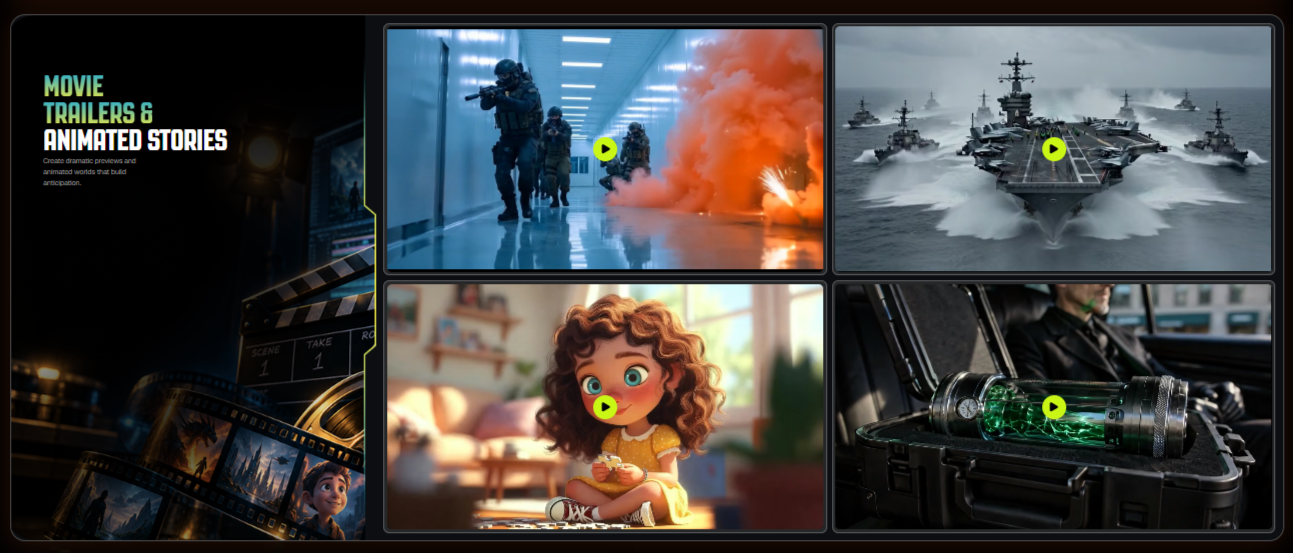
- Faceless YouTube channels: Build story-driven videos without appearing on camera.
- Short-form social content: Produce vertical stories for Shorts, Reels and TikTok.
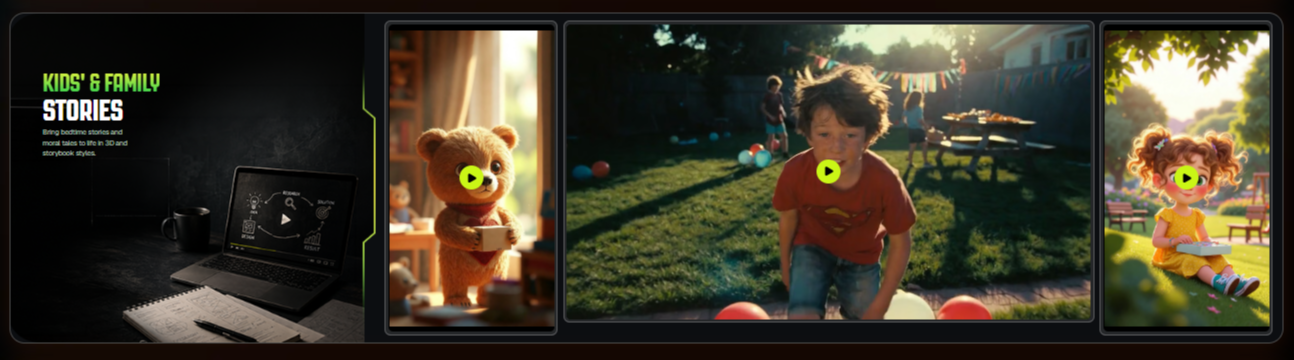
- Kids’ stories: Create animated or storybook-style content for younger audiences.
- Book trailers: Turn a book concept into a cinematic promotional trailer.
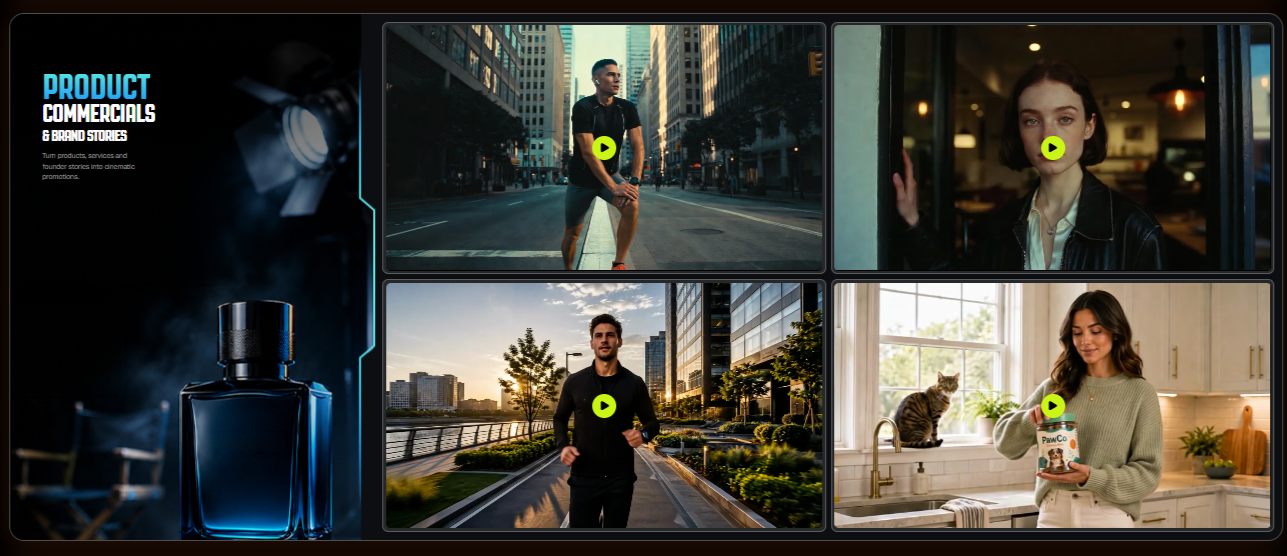
- Product commercials: Create story-based promotional videos for products and services.
- Local business marketing: Produce branded videos for clients using the included commercial license.
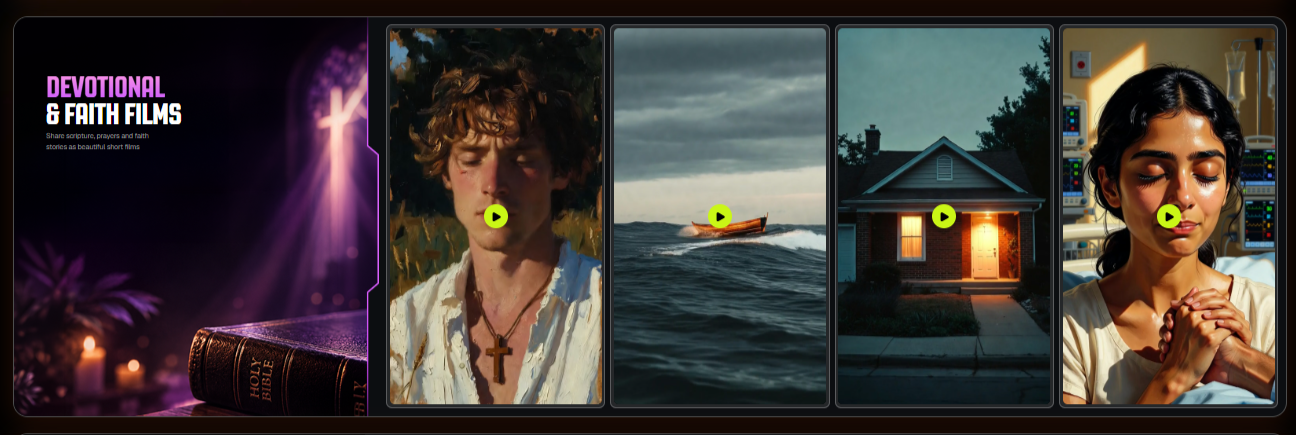
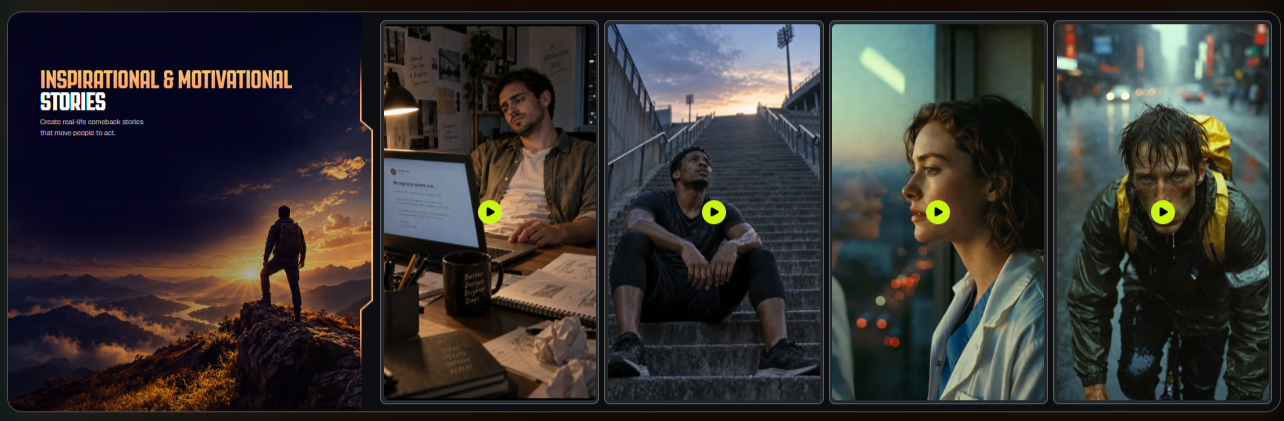
- Devotional and inspirational content: Build faith, motivational and emotional stories in multiple languages.
- Affiliate promotions: Integrate an offer into a narrative rather than relying exclusively on a conventional advertisement.
- Recurring series: Use the SERIES upgrade when the goal is to create connected episodes around recurring characters and worlds.
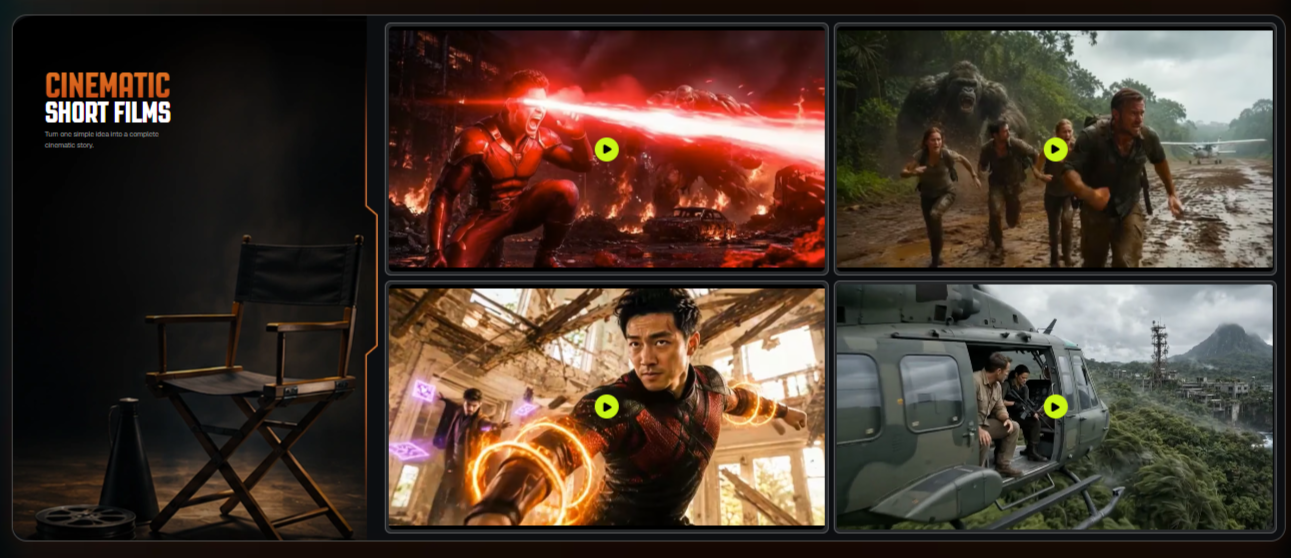
The official product materials specifically position the platform for short films, trailers, animated stories, episodic content, product commercials and social media stories.
Official CinemaStudio AI Walkthrough
If you want to see the workflow rather than simply read about it, the following is the official walkthrough video supplied for this review.
The most important thing to watch for is the overall production flow: idea or script → story structure → characters → storyboard → scenes → audio → editing → export.
CinemaStudio AI Pricing
Pricing is one of the most attractive parts of the current launch offer, but it is also one of the areas where you should pay attention to the exact checkout page because launch pricing can change.
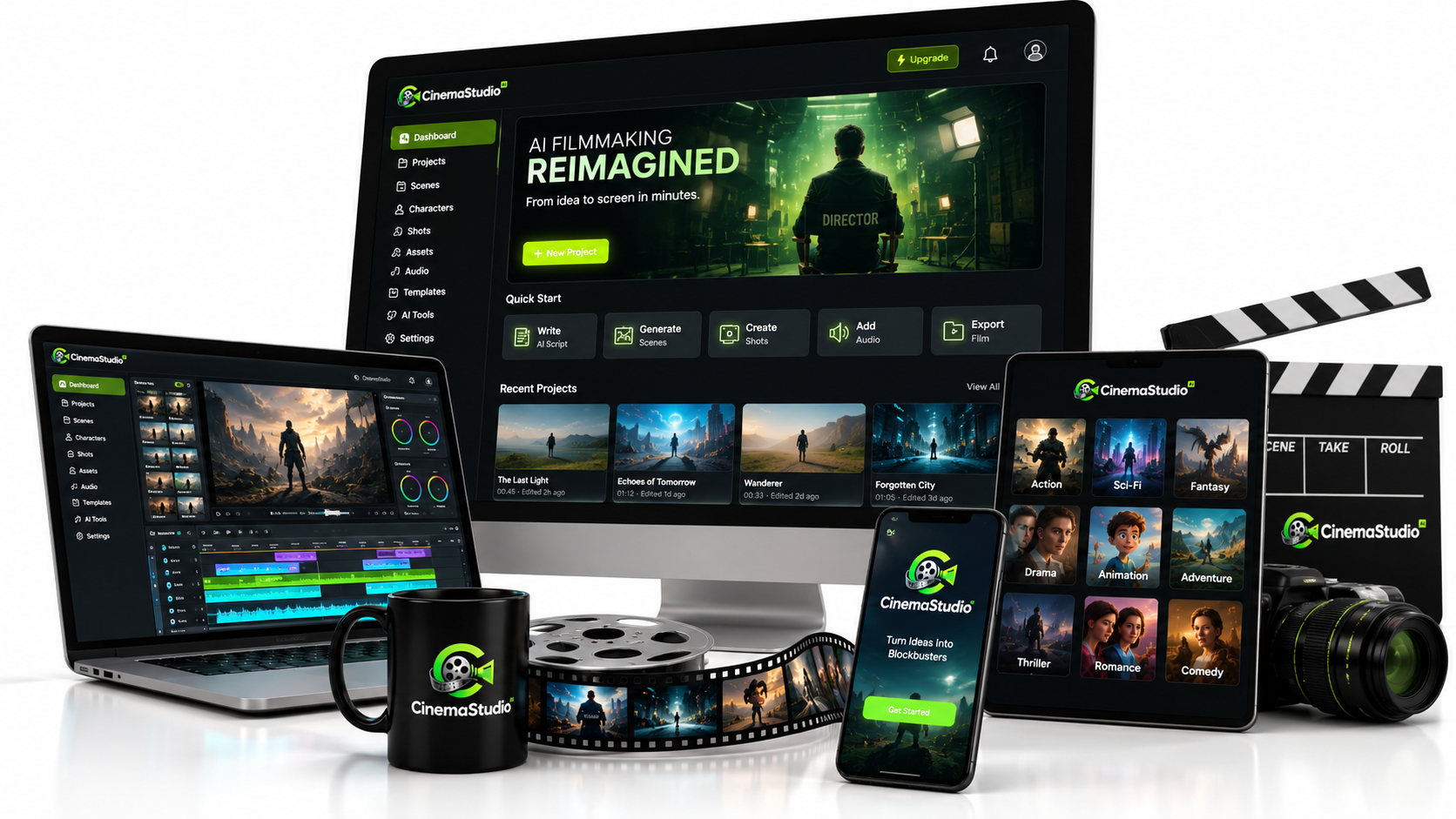
The current official partner page lists the CinemaStudio AI Commercial front end at $37 as a one-time price during the launch. It also lists the 2,500 monthly video credits, commercial license, training and support, and 30-day money-back guarantee.
Launch materials also list an EARLY10 coupon for 10% off the front-end commercial plan. Because coupons are time-sensitive, verify that the discount is still active before relying on it.
What Does the $37 Front End Include?
- AI Cinematic Story Engine
- Hundreds of done-for-you film templates
- 10 story categories and 100+ sub-genres
- Multiple visual styles
- Camera, lighting and colour presets
- 20 spoken languages
- Up to 5 custom characters
- Up to 5 custom universes
- Shot-by-shot storyboard preview
- Ability to paste your own script
- AI voiceover, music and sound
- Browser-based timeline editor
- Vertical, widescreen and square exports
- 1080p watermark-free renders
- 2,500 video credits every month
- Commercial license
- Step-by-step training and support
- 30-day money-back guarantee
See the Current CinemaStudio AI Deal
CinemaStudio AI OTOs: What Are the Upgrades?
The front end is the starting point. The optional upgrades are designed for users who need more production capacity, series functionality, publishing infrastructure or additional content formats.
OTO 1: CinemaStudio AI Unlimited Pro — $67
The current official partner page lists Unlimited Pro at $67.
It adds an additional 2,500 video credits, longer film capability, all 20 story categories, unlimited custom characters and universes, unlimited projects, unlimited renders and exports, additional director controls, priority rendering, team members and increased storage.
Who should consider it? Users who expect to produce a lot of content, work with recurring characters, handle client projects or need more production capacity than the front end provides.
Important: the official partner page currently states films up to 3 minutes, while a separate current upgrade/bundle page advertises films up to 5 minutes. Because those official pages conflict, verify the exact film-length entitlement presented at checkout before buying specifically for the longer-video capability.
OTO 2: CinemaStudio SERIES — $47
The current official partner page lists SERIES at $47.
This upgrade is aimed at creators who want to move from standalone videos into connected episodes. Features include season planning, recurring casts and worlds, series templates, cliffhangers, recaps, episode teasers and batch production.
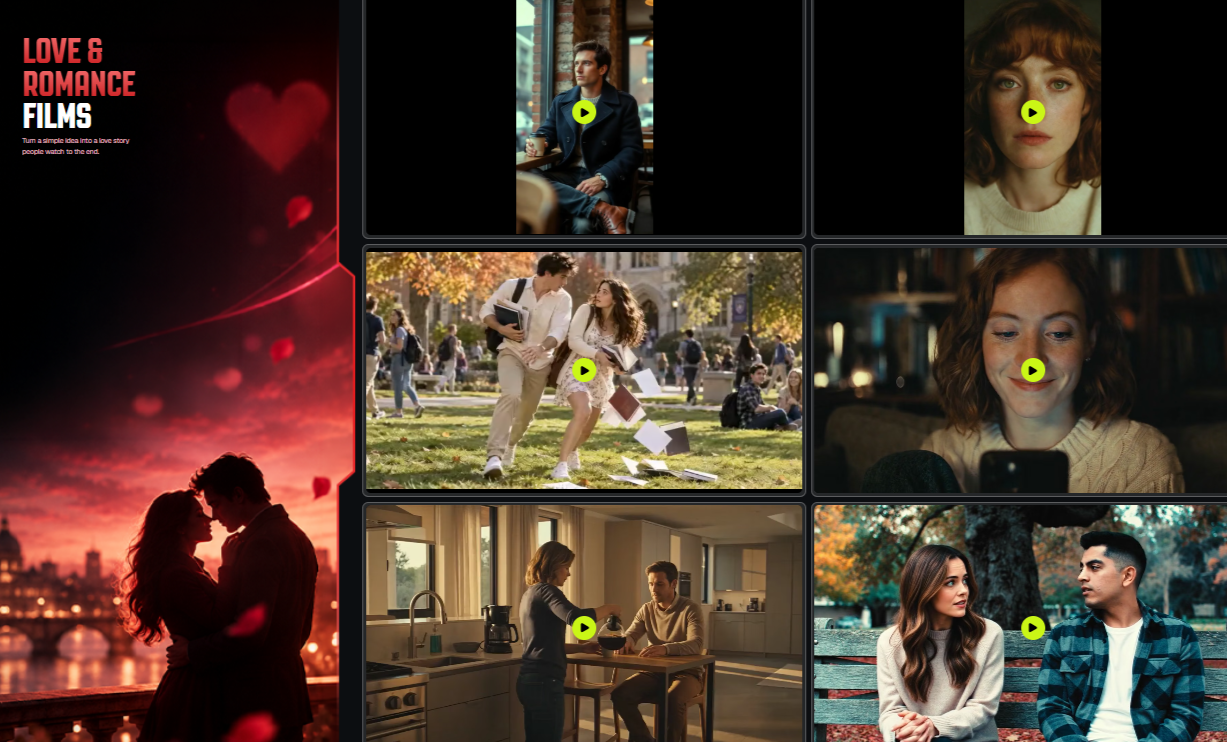
Best for: YouTube series, children’s series, mythology, horror, romance, motivational content and any format where recurring characters and story continuity matter.
OTO 3: CinemaBox — $67
CinemaBox is listed at $67 and takes the concept beyond video creation into distribution.
The official feature list describes a branded streaming platform with channels, seasons, viewer accounts, likes, comments, shareable links, watchlists, paid access, subscriptions, pay-per-view, advertising and analytics.
Best for: creators or businesses that want their own branded destination for films and series rather than relying exclusively on third-party platforms.
OTO 4: Loop StudioAI — $67
Loop StudioAI is listed at $67.
It focuses on two additional content formats: Mood Films, such as music and ambience loops, and Mind Films, including narrated motivational, podcast, sleep-story and affirmation-style videos. The current partner page lists 1–5 minute videos, 1080p output and commercial licensing for this upgrade.
Best for: creators interested in long-form ambience, relaxation, motivational, sleep or narrated content in addition to cinematic storytelling.
Should You Buy the OTOs?
You do not necessarily need every upgrade.
| Upgrade | Best Reason to Buy | Skip It If… |
|---|---|---|
| Unlimited Pro | You need higher production capacity and more control. | You only need occasional short videos. |
| SERIES | You want recurring episodes and connected stories. | You mainly create standalone videos. |
| CinemaBox | You want your own branded video destination. | You are happy publishing through YouTube and social platforms. |
| Loop StudioAI | You want ambience, music, sleep or narrated long-form formats. | Your only objective is cinematic storytelling. |
CinemaStudio AI Bonuses
The current launch bundle also includes a set of additional tools. These are separate from the core CinemaStudio AI filmmaking application.
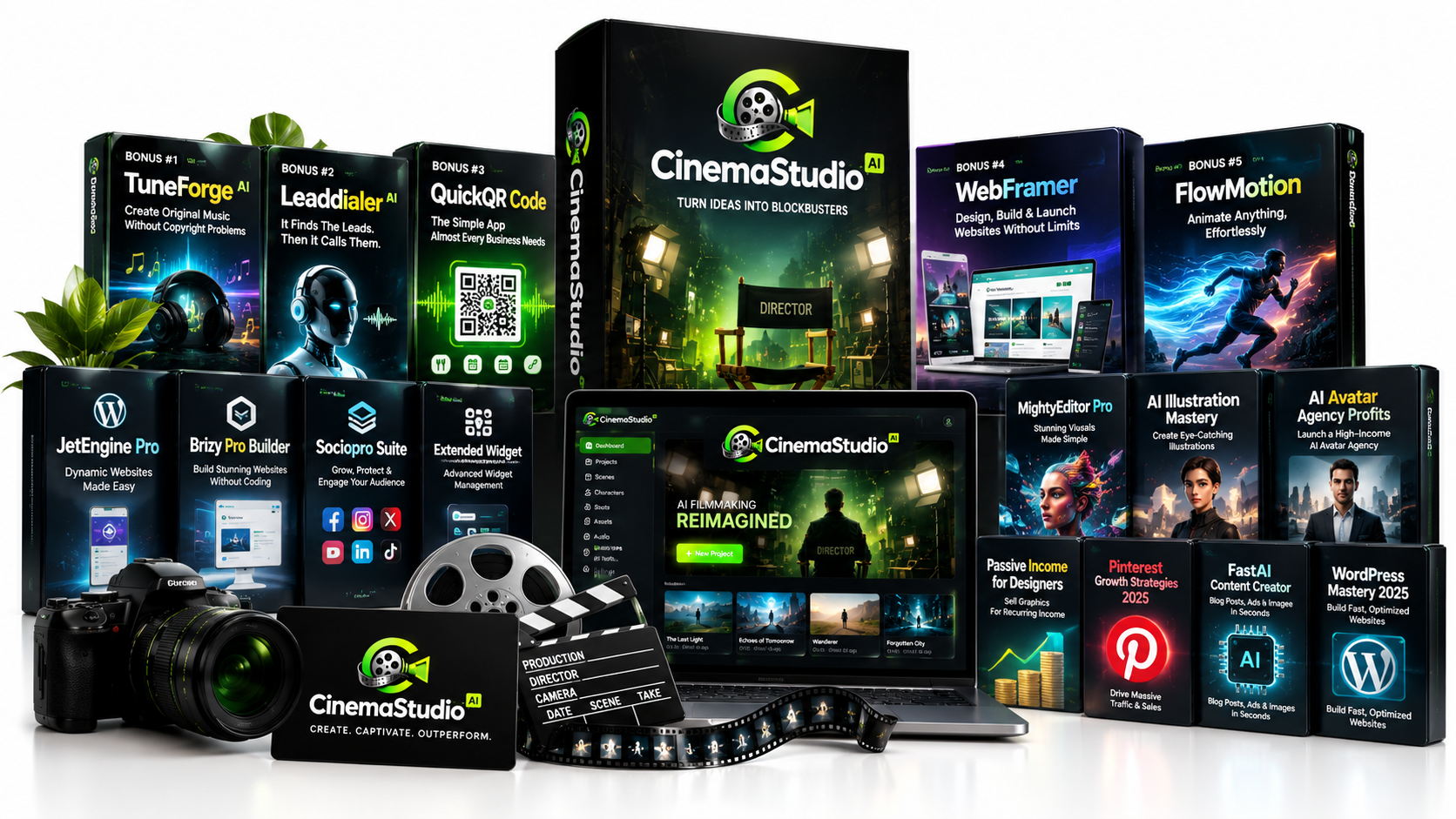
TuneForge AI
TuneForge AI is presented as a tool for creating original music, with the launch materials positioning it around music creation without copyright problems.
LeadDialer AI
LeadDialer AI is positioned as a lead-finding and calling tool.
QuickQR Code
QuickQR Code is presented as a simple QR-code creation application for business use cases.
WebFramer
WebFramer is positioned around designing, building and launching websites.
FlowMotion
FlowMotion is an animation-focused tool intended for creating animated visual content.
The current official sales materials display these five tools as part of the broader launch bundle. The bundle page currently lists a regular bundle price of $317 and a CINEMA50 coupon for $50 off.
Because bonuses and launch coupons are time-sensitive, I would treat the bundle contents and discount as current launch information, not as a permanent guarantee of what will always be included.
Check the Current Bundle & Bonus Offer
CinemaStudio AI Commercial License: Can You Sell the Videos?
One of the more commercially interesting aspects of the offer is the inclusion of a commercial license.
The current official partner page explicitly lists commercial licensing as included with the front-end offer and states that users can sell films to clients. :contentReference[oaicite:20]{index=20}
That creates several potential business applications:
- Local business promotional videos
- Product advertisements
- Book trailers
- Social media video packages
- Faceless channel content
- Story-based affiliate promotions
- Branded short films
- Video content services for agencies
However, commercial rights to use the software-generated output should not be confused with ownership or licensing of third-party assets you independently upload or incorporate. If you use copyrighted music, images, trademarks, characters or other third-party material, you remain responsible for having the necessary rights.
About the CinemaStudio AI Creators
The official CinemaStudio AI launch materials identify Pankaj Malav and Deepanker Rajora as the product creators.
Pankaj Malav is also profiled separately as a digital marketing entrepreneur and product creator. For readers who want more background, the creator profile below provides additional context:
Pankaj Malav — Digital Marketing Expert and Product Creator
The CinemaStudio AI launch materials identify Deepanker Rajora as the product’s co-founder/chief engineer and describe him as responsible for the technical development of the platform. Those are vendor-supplied credentials, so they should be understood as claims from the product’s own launch materials rather than independently audited credentials. :contentReference[oaicite:22]{index=22}
CinemaStudio AI Testimonials
The vendor has supplied customer testimonials based on early users and beta testers experiences.
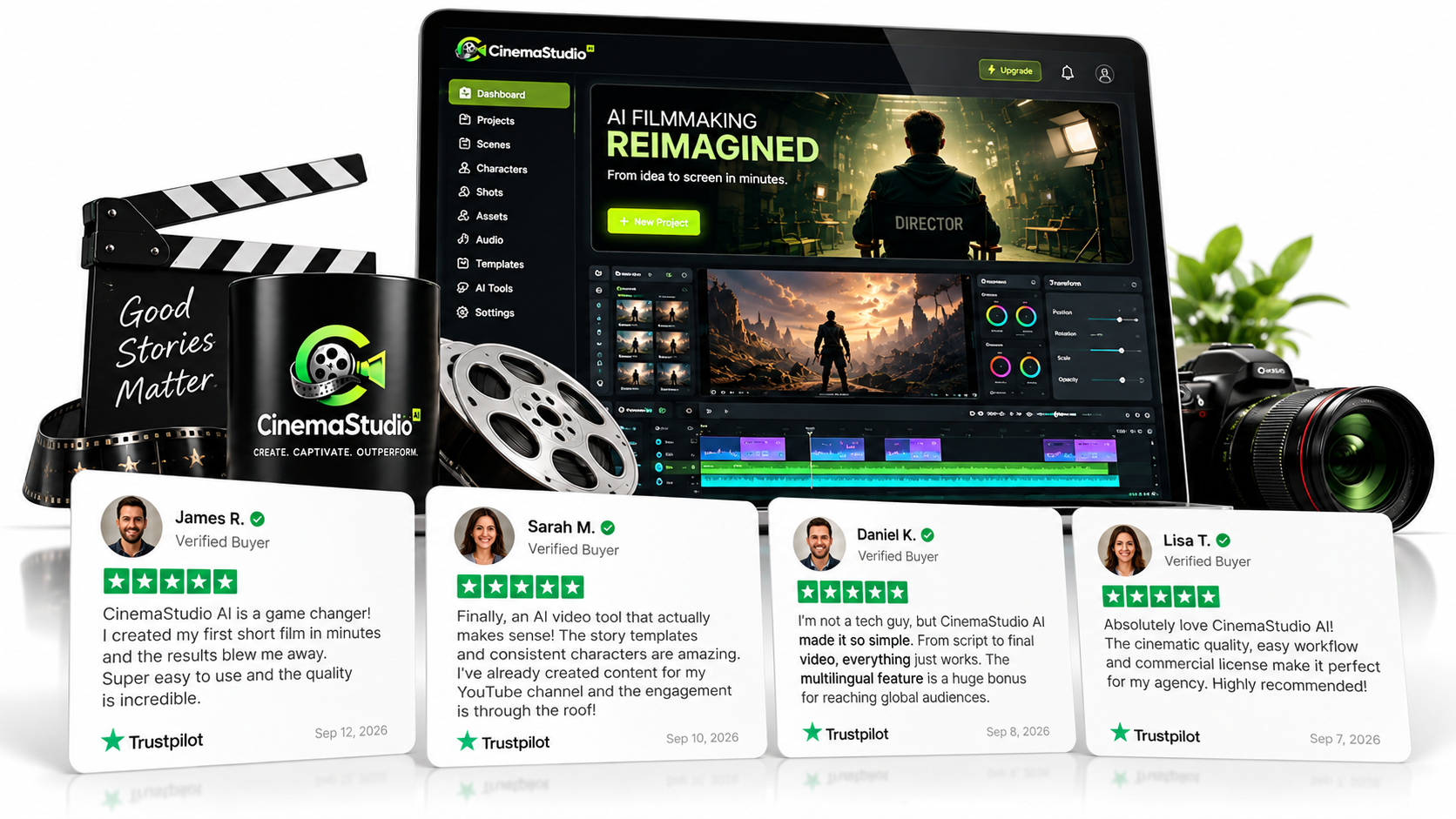
The official sales material currently displays testimonials describing users creating short films, handling multiple stages of production and producing videos they previously considered difficult to make.
A few examples are below:
Pros and Cons of CinemaStudio AI
Pros
- Story-first workflow: The platform is built around structured storytelling rather than isolated clips.
- Character tools: The character system is designed for recurring visual identities.
- Storyboard preview: You can review the planned production before final rendering.
- All-in-one workflow: Story, visuals, narration, music and editing are brought together.
- Multiple formats: Useful for YouTube, Shorts, Reels, TikTok and square social content.
- Commercial license: The current front-end offer includes commercial rights.
- 2,500 monthly credits: The current launch offer provides a recurring monthly credit allowance without a listed monthly subscription for the front end.
- Multiple use cases: The platform can serve entertainment, marketing, social media and client-production workflows.
Cons
- Feature descriptions vary between launch pages: Some official pages currently show different counts or limits for certain features.
- Advanced production requires upgrades: Higher-volume users may quickly find themselves evaluating Unlimited Pro or other OTOs.
- AI output still needs judgment: A structured workflow does not eliminate the need for creative review and editing.
- Credits are a resource: Heavy experimentation can consume production credits faster than expected.
- Launch pricing is time-sensitive: The current one-time pricing and coupons should not be assumed to remain permanently available.
CinemaStudio AI vs. Traditional AI Video Tools
CinemaStudio AI makes the most sense when compared by workflow, not simply by asking which platform produces the prettiest individual AI clip.
| Need | CinemaStudio AI Approach |
|---|---|
| Story development | Built into the production workflow |
| Recurring characters | Character Studio and reusable characters |
| World consistency | Universe Designer |
| Storyboard planning | Shot-by-shot storyboard preview |
| Voice and music | Integrated AI narration, dialogue, music and sound |
| Editing | Built-in browser timeline editor |
| Commercial production | Commercial license included in the current offer |
This does not mean CinemaStudio AI is automatically better than every other AI video platform. Tools such as Runway, Kling, Veo and other generators may be preferable for specific workflows, particularly when the priority is highly specialized generation or individual shot experimentation.
The differentiating question is therefore: Do you want a filmmaking workflow built around stories and recurring production elements, or do you primarily want a tool for generating individual AI video shots?
Is CinemaStudio AI Legit?
There are several concrete reasons to treat CinemaStudio AI as a real commercial software offer rather than an anonymous AI tool.
- The product has an official website and active launch pages.
- The official partner page identifies the product creators.
- The offer has clearly stated front-end and upgrade pricing.
- The front-end currently lists a commercial license.
- The front-end currently lists a 30-day money-back guarantee.
- The product has a documented workflow and feature set rather than only a marketing headline.
- An official walkthrough is available.
That said, legitimate software does not mean guaranteed results. Your output quality, production speed and commercial results will depend on how you use the platform, the quality of your concepts and scripts, and the audience or clients you are targeting.
Who Is CinemaStudio AI Best For?
CinemaStudio AI is particularly interesting for:
- Faceless YouTube creators who need repeatable story-based content.
- Affiliate marketers who want to turn promotional messages into narrative videos.
- Social media creators producing Shorts, Reels and TikTok content.
- Agencies looking for another way to produce branded video content.
- Freelancers who want to offer AI-assisted video production services.
- Authors who need cinematic book trailers.
- Businesses that need product, service or brand-story videos.
- Storytellers interested in characters, recurring worlds and episodic content.
Who Should Probably Skip CinemaStudio AI?
You may not need CinemaStudio AI if you:
- Only create occasional basic slideshow videos.
- Already have a complete video-production workflow that you are happy with.
- Primarily need highly specialized individual AI shots rather than story-driven productions.
- Do not expect to create enough video content to make the credit system worthwhile.
- Have no interest in storytelling, branded video, social content or cinematic production.
Is CinemaStudio AI Worth It?
At the current $37 front-end launch price, CinemaStudio AI is easiest to justify for someone who expects to create video regularly and wants several stages of production inside one platform.
The strongest argument is not simply that it generates AI video. There are many tools that do that. The stronger proposition is the combination of story development, templates, character consistency, universe design, storyboard planning, visual direction, voice, music and editing.
If you are building a faceless channel, producing client videos or developing recurring story content, those capabilities can potentially be more valuable than another standalone text-to-video generator.
If you only need a few experimental clips, however, the upgrades may not be necessary and the front-end alone may be sufficient.
Frequently Asked Questions
What is CinemaStudio AI?
CinemaStudio AI is a browser-based AI filmmaking platform designed to turn ideas or scripts into structured cinematic videos using story generation, characters, storyboards, visual styles, narration, music and editing tools.
How much does CinemaStudio AI cost?
The current official partner page lists the CinemaStudio AI Commercial front end at $37 as a one-time launch price. Optional upgrades are currently listed at $67 for Unlimited Pro, $47 for SERIES, $67 for CinemaBox and $67 for Loop StudioAI. :contentReference[oaicite:24]{index=24}
Does CinemaStudio AI have a monthly fee?
The current launch offer describes the front end as a one-time payment with 2,500 video credits every month and no monthly subscription for the launch offer. Because pricing terms can change after launch, verify the checkout page before purchasing.
Can I use CinemaStudio AI for client work?
The current front-end offer includes a commercial license and explicitly positions the product for creating films and branded content for clients. Always review the current license terms for your specific commercial use case.
Can CinemaStudio AI create faceless YouTube videos?
Yes. Faceless content is one of the use cases supported by the platform’s story, visual, narration and editing workflow. You can create story-driven videos without appearing on camera.
Does CinemaStudio AI keep characters consistent?
The platform includes Character Studio tools intended to create reusable characters and maintain their appearance across scenes. The front-end offer lists up to five custom characters, with Unlimited Pro providing additional capacity.
How long can CinemaStudio AI videos be?
The current partner page lists 15–90-second films on the front end and up to 3-minute films with Unlimited Pro. A separate official upgrade page currently advertises up to 5-minute Unlimited Pro films, so the exact limit should be verified on the checkout page before purchase.
Does CinemaStudio AI include a money-back guarantee?
The current official offer lists a 30-day money-back guarantee.
What are the CinemaStudio AI OTOs?
The current upgrade path consists of Unlimited Pro, SERIES, CinemaBox and Loop StudioAI. Each serves a different purpose: higher production capacity, episodic storytelling, branded video distribution or loop/narrated content creation.
Are the CinemaStudio AI bonuses included with the front end?
The launch materials present the five additional tools—TuneForge AI, LeadDialer AI, QuickQR Code, WebFramer and FlowMotion—as part of the broader bundle offer. They should not be assumed to be included with the $37 front end unless the current checkout explicitly says so.
Final Verdict: Is CinemaStudio AI Worth It?
CinemaStudio AI is worth considering if you want an AI filmmaking workflow rather than simply another AI clip generator.
Its biggest strengths are the story-first approach, storyboard planning, reusable characters and universes, built-in audio capabilities, browser-based editing, multiple output formats and commercial license.
The biggest caution is that the launch pages currently contain some inconsistencies around specific feature limits, including certain visual-style and film-length descriptions. That does not necessarily undermine the core product, but it means buyers should verify the exact plan entitlements at checkout.
For a beginner, the $37 front end is the logical starting point. For a high-volume creator or agency, Unlimited Pro may make more sense. SERIES is the logical upgrade for episodic storytelling, CinemaBox is aimed at creators wanting their own branded video destination, and Loop StudioAI makes sense if you also want ambience, music, motivational or narrated long-form content.
My recommendation is therefore straightforward: if story-driven AI video, faceless content, client production or recurring cinematic content is part of your 2026 content strategy, CinemaStudio AI deserves a closer look and at a lifetime FE offer of $37 it is a no brainer!
Get CinemaStudio AI & Check the Current Offer